










 Call
Call 


 Access Your Account
 What Is an ONT? Fiber Equipment Explained (and Why You Don’t Need a Modem)

Table of Contents
An ONT, or optical network terminal, is the small box a fiber provider installs in your home to convert light signals traveling through the fiber-optic cable into the electrical data your router and devices can actually use [1]. If you’re asking because a technician just left one mounted on your wall, it’s the fiber equivalent of a cable modem, it’s the only piece of fiber internet equipment that talks directly to the provider’s network, and once it’s installed, you don’t need a separate modem at all.
Fiber has grown from a niche option into the fastest-expanding type of home internet in the country, with more than 60% of U.S. households now able to get it, according to a 2026 Fiber Broadband Association deployment report [2]. That growth can explain why so many people are running into an ONT for the first time.
[search_block]
What Is an ONT, Exactly? (Optical Network Terminal Explained)
An optical network terminal sits at the exact point where the fiber-optic line entering your home ends. DSL and hybrid fiber coaxial (HFC) internet arrive as an electrical signal over copper wire, which is why a modem’s whole job is decoding that signal. Fiber instead sends data as pulses of light over hair-thin glass strands, which electronics can’t read directly, so the ONT’s job is to make the conversion: light in, standard Ethernet data out. Some providers call it a “service box" or “fiber jack" instead—it’s the same fiber optic terminal explained under a different name.
What Does the Fiber Box in My House Do?
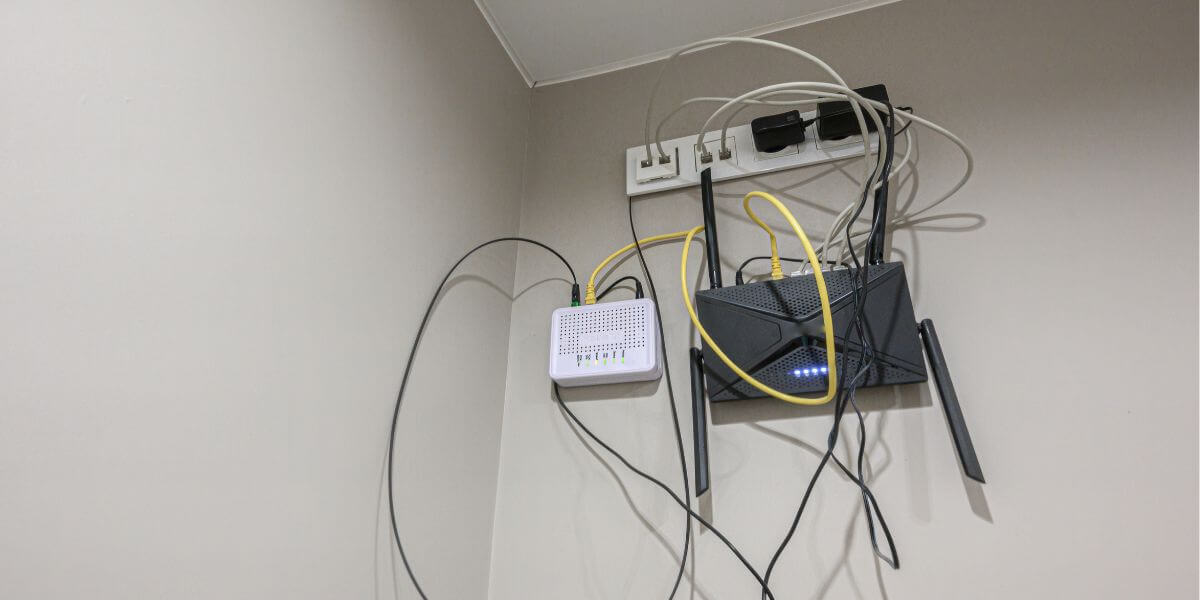
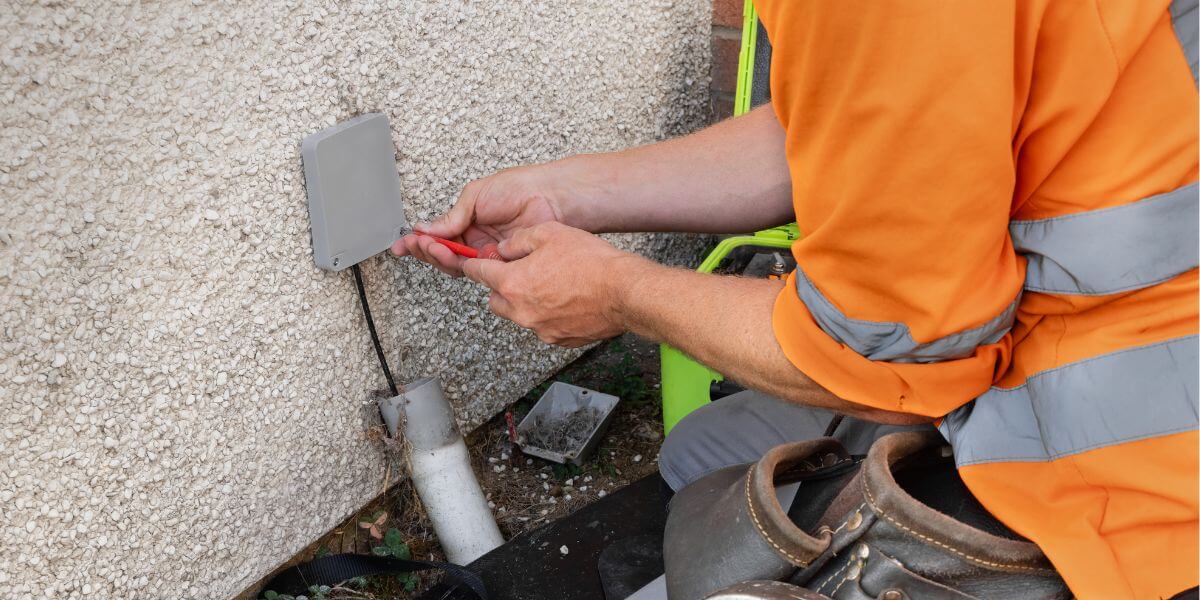
If you’re wondering what does the fiber box in my house do beyond “convert signals," it’s the entire boundary between your home network and the provider’s network. A technician mounts it on an exterior wall, in a garage, or in a utility closet, then runs the fiber strand into it and “lights up" the connection from the provider’s side.
It needs continuous power from a wall outlet—some models include a battery backup so landline service survives an outage, but internet access typically goes down with the power unless you have one. A single Ethernet cable then runs from the ONT to your router.
ONT vs. Modem: What’s the Difference?
The ONT vs modem question comes up constantly with new fiber customers, and the direct answer is that you do not need a modem with fiber internet. Both do the same basic job—translate an incoming ISP signal into something your router can use—over different mediums.
Modems handle electrical signals over coax or copper, while ONTs handle light over glass fiber. The other difference is ownership. Modems are often something you can buy outright, while ONTs are almost always provider-owned equipment tied to the specific fiber line running into your house.
Do I Need a Router With Fiber?
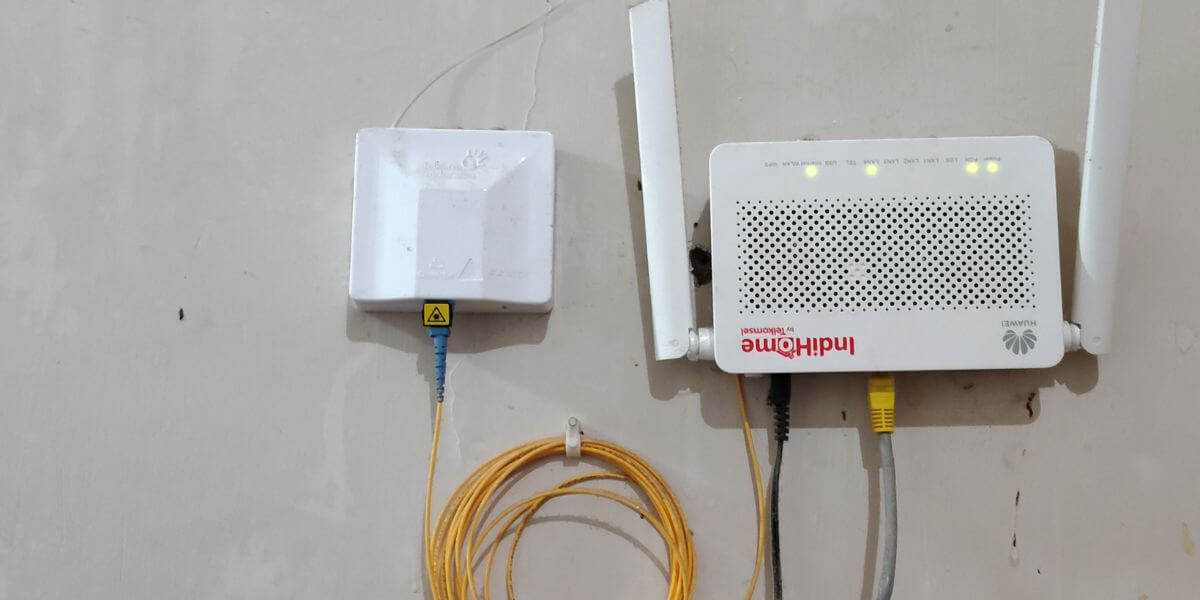
Yes. An ONT only gets you a working internet connection. It doesn’t create Wi-Fi or manage multiple devices. So if you’re asking “do I need a router with fiber,” the answer is that you still need one, connected to the ONT’s Ethernet port. Some internet providers, notably AT&T, ship a combined gateway that handles both routing and Wi-Fi in one box, and on newer models the ONT itself is now built directly into that gateway rather than existing as a separate unit.
What Do the ONT Lights Mean?
Most ONTs use two or three labeled indicator lights, and understanding ONT lights’ meaning takes about ten seconds once you know the pattern. AT&T’s official equipment guide, for example, lists a solid green power light and a solid green “PON" light as normal operation, a flashing PON light as the connection still establishing, and any red light as a sign to contact support [3].
Other providers use nearly identical logic even when the labels differ slightly, where solid green across the board is good, and red or unlit usually means a technician visit is coming.
AT&T Fiber ONT vs. Frontier ONT: How Equipment Differs by Provider
Not every fiber installation looks the same, which matters if you’re comparing internet providers before signing up. An AT&T Fiber ONT setup varies by gateway model: older BGW210 units use a standalone ONT wired by Ethernet to the router, while newer BGW320 gateways build the ONT directly into the gateway, so there’s no separate box. A Frontier ONT, on the other hand, is consistently a standalone unit—mounted in a garage, closet, or exterior enclosure—that connects to a router over Ethernet and includes a swappable battery backup for landline service [4]. Verizon Fios, Google Fiber, and most regional fiber providers follow the same standalone-box pattern as Frontier.
Do I Own My ONT?
No… with rare exceptions, the ONT belongs to the fiber provider, not the customer, even though it lives inside or on your home. Treat it like a rented modem. Don’t unplug the fiber cable, relocate it, or cover its vents.
Initial ONT installation on a fiber line has to be done by a technician, since the provider must activate, or “light up," the connection remotely before the box will pass any data. If you cancel service, you’ll typically need to return it.
How to Compare Internet Providers When Equipment Is Part of the Decision
Equipment policy is easy to overlook, but it’s worth factoring in when you compare internet plans in your area. Some providers roll the ONT and router into a flat equipment fee, others include it free, and a few let you skip their router if you’re comfortable configuring your own. That’s on top of the usual variables—internet prices, contract terms, speed tiers—that make up any real internet comparison.
Before picking from the best internet providers in your market, a side-by-side comparison tool for the best internet in your area can find which companies bundle equipment into the advertised price and which add it later.
Use the zip code tool below to check which fiber providers serve your address.
[search_block]
FAQs
Do I need to buy my own ONT?
No. It’s tied to the provider’s fiber network and is installed, owned, and maintained by the ISP — you can’t buy a generic one and swap it in like a cable modem.
Can I use my own router with a fiber ONT?
Usually, yes — connect your router’s WAN port to the ONT’s Ethernet or data port. Some AT&T setups require the gateway to be in passthrough or bridge mode first if the ONT and router are separate boxes.
What does it mean if my ONT light is red or blinking?
Red almost always signals a problem between the ONT and the provider’s network, not your router or Wi-Fi. A blinking light during setup is usually normal and should turn solid within a few minutes; if it doesn’t, contact your provider.
Does my ONT need a battery backup?
Only if you want phone or internet service to stay up during an outage, and only if your provider offers one. Many ONTs, including Frontier’s, ship with a user-replaceable battery, but the connection itself still depends on the ONT having power.
Sources
[1] AT&T. “Equipment we use to provide internet to your home."
[2] Fiber Broadband Association. “U.S. Fiber Broadband Total Passings Reach 100M Mark."
[3] AT&T. “Use ONT status lights to troubleshoot internet issues."
[4] Frontier. “What Is An Optical Network Terminal?"