








 Call
Call 


 Access Your Account
 How to Stay Connected to the Internet in a Wildfire Evacuation

Table of Contents
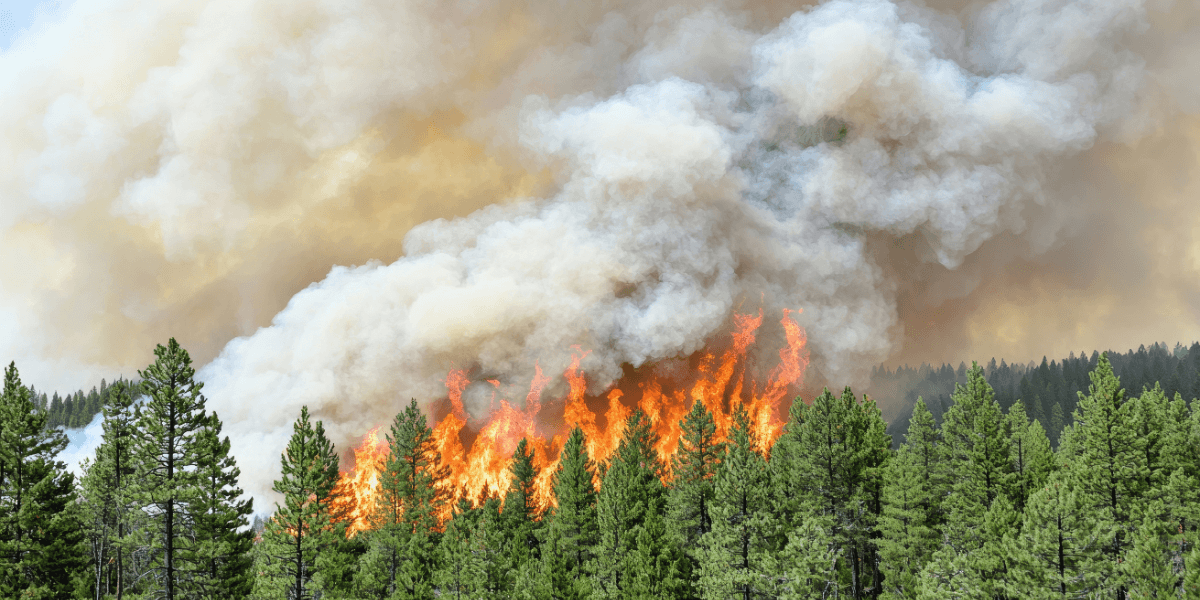
When people think of wildfires, they picture the flames melting the phone lines. But before a single ember reaches your street, your power may already be gone, and your cell signal along with it.
So, if you live in fire country (aka California, Oregon, Washington, Arizona, Colorado, Nevada, Texas, or New Mexico), learning how to stay connected during a wildfire is important for contacting loved ones and getting to safety.
A solid communication plan for a wildfire evacuation takes an afternoon to build, and most of the pieces are already in your pocket or cost less than a tank of gas. The catch is that you have to set it up now, while you have signal and time, because you will not have either when the sky turns orange. Let’s build it.
[search_block]
The before-you-need-it checklist
Do these seven things today.
- Download offline maps of your area and your planned evacuation routes. Open Google Maps or Apple Maps, search each route while you are on Wi-Fi, and navigate it at least once so the app caches it. When the network is down, a cached map still shows you the way out.
- Install Watch Duty and turn on push notifications. This free, ad-free nonprofit app is essential in Western wildfire states. Firefighters, dispatchers, and reporters monitor radio scanners and post fire perimeters, evacuation orders, shelter locations, and even power outage and red flag warnings in real time. More than seven million people use it, and it is often faster than official alerts. Pair it with Genasys Protect, which pushes zone-specific evacuation orders based on your home address.
- Confirm Wireless Emergency Alerts are turned on in your phone settings. These are the government messages that jolt your phone with a loud tone. They push through even on phones without an active SIM or plan, so it costs you nothing to leave them on.
- Pick one out-of-area contact as your family’s check-in hub. When local networks jam, long-distance lines often stay clearer. Tell everyone the same thing: instead of trying to reach each other, everyone texts or calls this one person. One relative in another state can relay “Mom’s out, headed to Grandma’s" faster than five people playing phone tag in a dead zone.
- Set up Medical ID and Emergency SOS. On iPhone, go to Settings, then Emergency SOS and Medical ID. Android has the same tools under Safety and Emergency. This lets first responders see your health information and reach your emergency contacts straight from your locked screen.
- Check which carrier has the strongest signal at your address and along your evacuation routes. Open the FCC National Broadband Map and use the mobile broadband tab. Knowing which network performs where you live tells you which carrier to trust, or which one to add as a backup.
- If your phone supports dual SIM, consider adding a second carrier as an eSIM backup. If your main carrier’s towers go dark but a rival’s stay up, a backup line keeps you online. Activate and test it at home, on a calm afternoon, not halfway down a smoke-filled canyon.
Send a text
When cell service is degraded but not gone…
During a wildfire, cell service rarely dies all at once. First it gets congested. Everyone in the area grabs their phone at the same moment, and the network buckles. Your signal bars can look full while nothing gets through, because the bars only measure the link to the tower, not whether the jammed network can carry your traffic.
When that happens, stop trying to call and switch to plain SMS text messages right away. A voice call needs a steady, dedicated connection the whole time you talk, which is the hardest thing to hold on a strained network. A text message is a tiny packet of data by comparison, and your phone keeps quietly retrying it in the background until it lands. A text that takes six minutes to send still beats a call that never connects.
One more warning that trips people up: messaging apps are not the same as texting. iMessage, WhatsApp, and Signal all need a working data connection, and a saturated network will not prioritize them. When you cannot get a call through, drop to green-bubble SMS. It is the tool that keeps working when the fancy ones quit.
Satellite texting
When the towers near you are overwhelmed, or already down, satellite texting for a wildfire can punch a message straight up to space and back. This technology went mainstream fast.
T-Mobile’s T-Satellite service, powered by Starlink, lets a compatible phone send and receive texts when there is no tower signal at all. It runs about 10 dollars a month as an add-on and comes included on T-Mobile’s top plans like Experience Beyond. The service works on more than 60 phone models, and you do not have to be a T-Mobile customer. Verizon and AT&T users can add T-Satellite too, as long as they have a compatible phone with an open eSIM slot. Text to 911 over satellite is free for everyone.
Verizon partners with Skylo to offer free satellite messaging on newer compatible phones, including the Samsung Galaxy S25 and S26 series, the Galaxy Z Fold 7 and Z Flip 7, and Google Pixel 9 (except the 9a) and Pixel 10 models. It covers emergency and basic texting at no extra cost.
AT&T is rolling out satellite connectivity through AST SpaceMobile, but keep your expectations calibrated. As of mid-2026, the service is in beta for a select group of customers and FirstNet public safety users, with broader nationwide coverage still filling in. It is promising and worth watching, but it is not yet the reliable consumer service the other two offer.
None of these are fast. A satellite text can take minutes, not seconds. But a slow text in a zero-signal situation is the whole difference between communication and silence.
Do not use airplane mode to save battery during a wildfire. Wireless Emergency Alerts push through on any powered-on phone, even one without an active plan, but airplane mode blocks them, and a blocked evacuation alert is the last thing you want. To stretch your battery, turn off Wi-Fi and close background apps instead.
When the towers are completely down…
Built-in satellite SOS
Every iPhone 14 and newer includes Emergency SOS via satellite, and Apple has kept it free well past the original two-year promise, extending it for iPhone 14 and 15 users through at least late 2026. Google’s Pixel 9 lineup (except the 9a) and the full Pixel 10 lineup have their own Satellite SOS. When you dial 911 with no signal, the phone walks you through pointing at the sky to connect to emergency services, then shares your location and a short summary of your situation.
This is a last-resort lifeline for reaching 911, not a way to text your sister about the dog. But it is already sitting in the pockets of most recent iPhone and Pixel owners at zero added cost, so make sure you know it is there before you need it.
NOAA Weather Radio
A NOAA Weather Radio receives official National Weather Service warnings and forecasts around the clock, and it does not care whether the cell network or the grid is up. A good battery-powered, solar, or hand-crank model is about $30-$50, and many double as a phone charger and flashlight. For a wildfire, this is one of the smartest small purchases you can make. Before fire season, look up your local station frequency at weather.gov/nwr/station_search so you can tune in instantly when it matters.
Starlink Mini
If you live in a high-risk zone and need internet through a multi-day evacuation, the Starlink Mini is a backpack-sized satellite dish that delivers full service anywhere with a clear view of the sky. The hardware has dropped to around $199 to $249, with a Roam plan from about $50 a month, and there is a low-cost standby option for months you do not travel. It is the priciest choice here and the most capable. If you want to weigh it against other options, see our guide to backup internet during outages.
Battery and backup power
Every tool above depends on a charged device, so match your backup power to how long the lights might stay off.
A standard pocket power bank in the 10,000 to 20,000 mAh range keeps a single phone alive for two to three days of light use, and one belongs in every go bag. For a household with several devices or a longer outage, step up to a higher-capacity portable charger of 60,000 mAh or more. Portable solar chargers are a fine supplement, but they charge slowly, so do not lean on them as your only source for heavy use. Your car works as a charger too, as long as you keep the gas tank at least half full, which is a good habit to hold all through fire season.
The most common mistake here is timing. People charge their power banks the day before they evacuate, which assumes they will see it coming. During a power shutoff, you might not. Keep your banks topped off year-round so they are ready the moment you grab your bag.
Have a go-bag ready
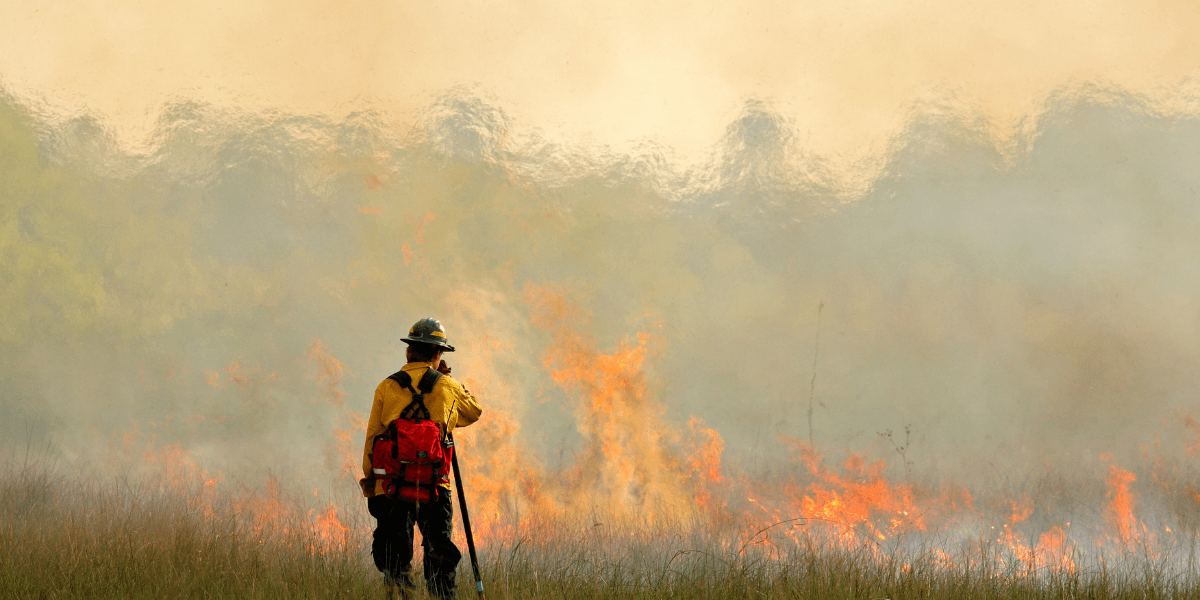
Your go-bag tech checklist
Screenshot or print this and tuck a copy in your bag.
- Fully charged power bank or two
- Charging cables for every device in the house
- NOAA Weather Radio with fresh batteries
- Prescription medications with a medical information card
- A physical, waterproof contact card with key phone numbers
That last one is the detail most preparedness guides skip—write down the numbers for family, close neighbors, and your out-of-area hub on a small waterproof card. Phone memory does not survive a handset dropped in a creek or left in a burned-out car. If you lose the phone, the card is how you still reach the people who matter.
Know your connection options before fire season, not during it
Find out, ahead of time, what will keep you connected when the grid goes down. That means two quick checks: which mobile carrier holds the strongest signal at your home and along your evacuation routes, and which internet providers serve your address so you know your options for a home or backup connection. This is a preparation step, and it tells you what to count on and where the gaps are before a fire ever forces the question.
Enter your zip code below to see which internet providers cover your address and how they stack up, including satellite options like Starlink that keep working when the local network fails. Then cross-check the FCC mobile broadband map along your escape routes to confirm your carrier signal. Do it on a calm day now. When the winds kick up and the power clicks off, you will already know exactly what to reach for.
[search_block}
Frequently asked questions
Why does my phone stop working during a wildfire even when there is no fire near me?
Because the power usually goes out first. Utilities shut off electricity on purpose during dangerous fire weather to keep their lines from sparking, and many cell towers run on backup batteries that last only a few hours. On top of that, the network gets flooded when everyone in the area reaches for their phone at once. That is why your signal bars can look full while calls and data still fail. It is the power shutoff hitting your cell signal, not the flames.
Do I need to pay for satellite service to stay connected during a wildfire?
Not necessarily. If you have an iPhone 14 or newer, or a recent Google Pixel, free Emergency SOS via satellite is already built in for reaching 911 when you have no signal. Verizon offers free satellite texting on many newer phones through its Skylo partnership. If you want fuller two-way satellite texting regardless of carrier, T-Mobile’s T-Satellite runs about 10 dollars a month.
Sources
[1] Cpuc.ca.gov “Public Safety Power Shutoffs (PSPS)"
[2] Pge.com “Public Safety Power Shutoffs"
[3] Kqed.org “During a Wildfire, Your Phone Might Stop Working. How Can You Communicate?"
[4] Thesavvysurvivalist.com “How Long Will Cell Towers Work During a Blackout?"
[5] T-mobile.com “T-Satellite with Starlink: Direct to Cell Satellite Phone Service"
[6] Techlicious.com “All the phones that have satellite messaging in 2026"
[7] Verizon.com “Satellite SOS and messaging FAQs"
[8] Lightreading.com “AT&T preps D2D satellite beta service with AST SpaceMobile"
[9] Tuaw.com “iPhone 14, 15, and 16 Get Free Satellite Features Through 2026"
[10] Weather.gov “NWR Station Search"
[11] Weather.gov “NOAA Weather Radio FAQ"
[12] Satelliteinternet.com “Starlink Mini vs. Standard (2026): Price, Speed & Which to Buy"
[13] Watchduty.org “Watch Duty: Real-Time Disaster Intelligence You Can Trust"
[14] Broadbandmap.fcc.gov “FCC National Broadband Map"