










 Call
Call 


 Access Your Account
 What Is Ping? The Secret Behind Every Lag Spike

Table of Contents
You are in the middle of a COD round, your aim is locked, and you pull the trigger. Nothing happens for a full second. By the time the shot goes off, your opponent has already moved—and killed you. The delay is not your graphics card failing you. It is ping, and it is one of the most important numbers tied to your internet connection that most people never think to check.
Ping is the measure of how quickly your device can send data to a server and receive a response, clocked in milliseconds. Speed tells you how much data can travel. Ping tells you how fast it reacts. For anything that happens in real time, including gaming, video calls, and live streaming, reaction time (ping) is everything.
[search_block]
What Is Ping?
Ping is the time it takes for a small packet of data to travel from your device to a remote server and come back. That round trip is measured in milliseconds (ms). A millisecond is one-thousandth of a second, which sounds impossibly small, but those fractions add up quickly.
The word “ping" comes from sonar technology, where a sound pulse is sent out and the time it takes to bounce back reveals the location of an object. Your internet connection works on the same concept. Your device sends a signal, the server catches it and responds, and the time between sending and receiving is your ping. A lower number is always better.
For context, the average human blink takes between 100 and 150 milliseconds. A ping of 20ms means your data makes a round trip to the server and back in a fraction of that time. A ping of 200ms means there is a noticeable delay that your brain can register as lag.
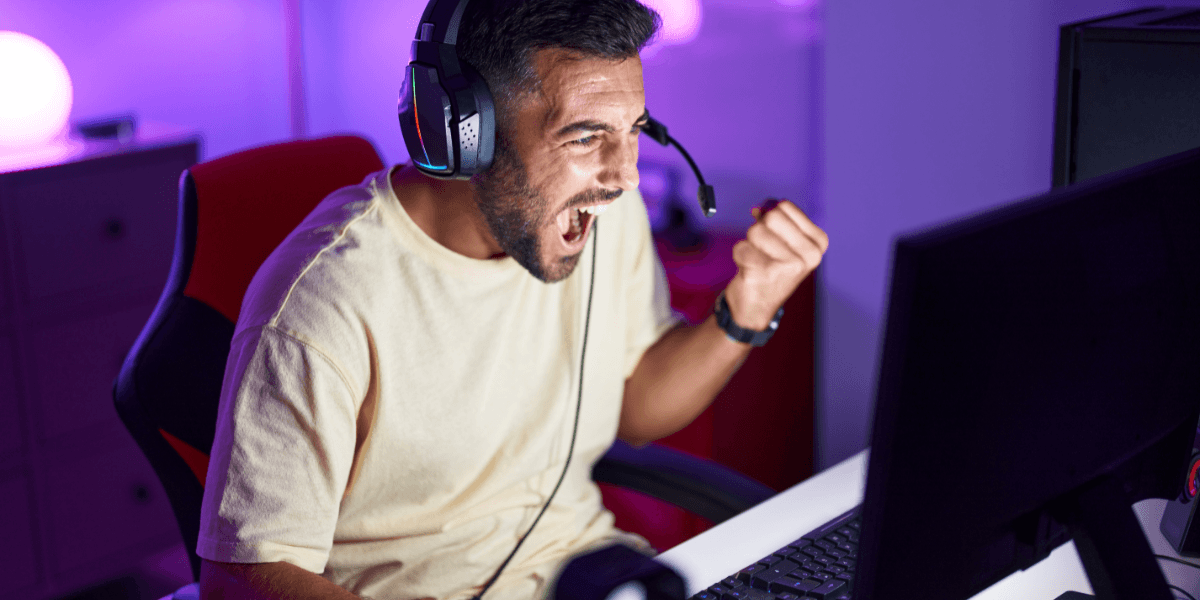
Ping is the measurement
Ping vs. Latency
Ping and latency are often used interchangeably, and for most everyday purposes, that is fine. But they are technically distinct. Latency is the broader concept: the total time it takes for data to travel from one point to another across a network. Ping is a specific measurement of that latency, obtained by sending a test signal to a server and recording the round-trip time.
In simple terms, latency is the concept, and ping is the tool used to measure it. When you run a speed test and see a number labeled “ping," you are seeing the latency result. If your ping reads 35ms, your latency on that test is 35ms. The terms point to the same real-world experience: the delay between an action and its result.
There is a third related metric worth knowing: jitter. Jitter is the variation in your ping over time. If your ping bounces between 20ms and 90ms from moment to moment, that inconsistency is jitter. A stable ping of 50ms is often more usable for gaming or video calls than an average ping of 30ms that swings wildly. Consistency matters as much as the raw number.
Why Does Ping Matter More Than Download Speed for Real-Time Activities?
Download speed measures how much data your connection can pull in per second. It is important for loading pages, downloading files, and buffering video. But none of those tasks require instant two-way communication. Streaming a movie works by pulling data in advance and storing it in a buffer, so high ping rarely affects the experience.
Real-time activities are a different story. Online gaming, video calls, and live streaming all require your device and a server to exchange information continuously with minimal delay. Every time you move your character, fire a weapon, or speak into a microphone, that data goes to a server, and the server sends something back. If that round trip takes too long, the experience breaks down.
In a fast-paced shooter, 100ms of ping means your actions reach the server a tenth of a second late. That might not sound major, but at competitive speeds, it is enough to miss shots, lose duels, and cause your character to visually jump or rubber-band on screen. In a video call, even 80ms of added delay creates the awkward overlap where both speakers talk at the same time because neither can hear the other yet.
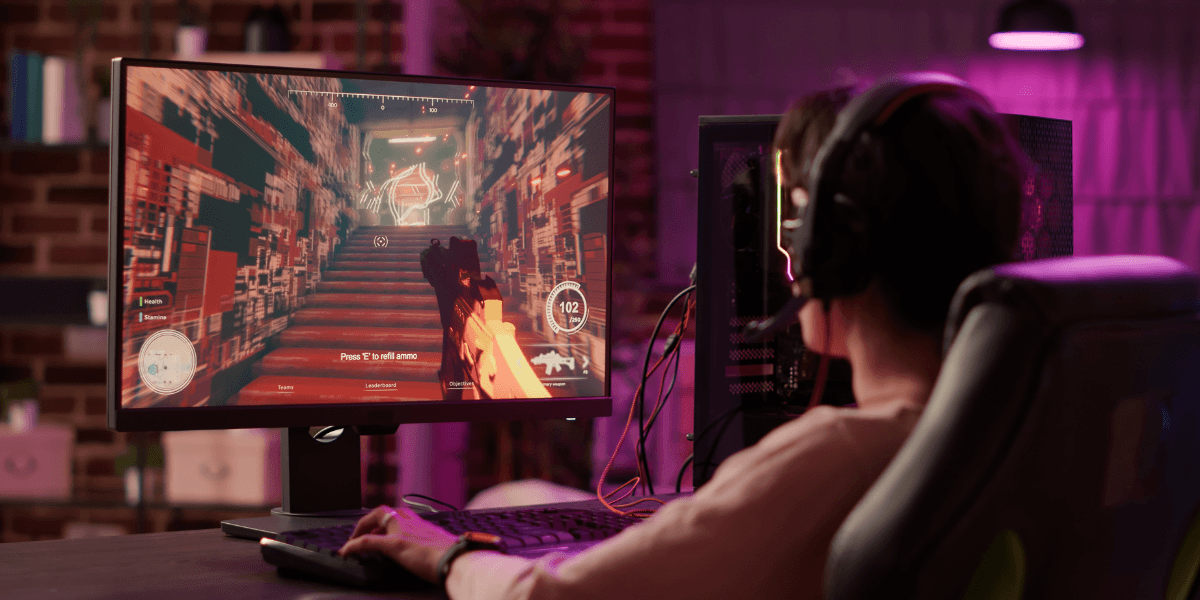
Quick reference guide
What Is a Good Ping?
Ping requirements vary depending on what you are doing online. Here is a straightforward breakdown of ping ranges and what they mean in practice:
Under 20ms (Excellent): Virtually instantaneous response. Best for competitive esports and pro gaming.
20 to 50ms (Good): Smooth and responsive for nearly all activities. Ideal for online gaming and video calls.
50 to 100ms (Fair): Slight delays in fast-paced games, mostly fine for casual use. Suitable for casual gaming, streaming, and browsing.
100ms and above (High): Noticeable lag, frustrating for real-time use. Acceptable for basic browsing only.
Different game types have different tolerances. First-person shooters like Arc Raiders and Fortnite demand a ping under 50ms for a competitive experience. Real-time strategy games and massively multiplayer online games can generally function at up to 100ms or slightly higher, since split-second reactions matter less. Turn-based games like Hearthstone are nearly unaffected by ping at any reasonable level.
For video calls, most platforms handle up to about 150ms of latency before participants begin to notice delays. Under 50ms is ideal. For working remotely, accessing cloud-based software, or joining virtual meetings, aiming for a ping under 50ms will keep things feeling natural and responsive.
What Causes High Ping?
High ping usually has a root cause that can be identified and addressed. Here are the most common culprits.
Distance to the Server
Data travels fast, but it is not instantaneous. The physical distance between your device and the server it communicates with introduces a latency of roughly 1ms per 60 miles. If you are in Los Angeles connecting to a game server in Europe, no amount of internet speed can eliminate that geographic delay. Choosing a server region that is geographically close to you is one of the most effective ways to keep ping low.
Network Congestion
Internet connections are a shared infrastructure. When many people in your area are using the network simultaneously, especially during peak evening hours, data packets can queue up and wait their turn. That waiting time shows up as increased ping. Congestion can happen at your ISP’s network level, inside your home network, or both.
Your Connection Type
The type of internet connection you have significantly affects baseline ping. Fiber optic internet consistently delivers the lowest latency, often under 5ms to nearby servers, because data travels through the cable as pulses of light with minimal signal degradation. Hybrid Fiber Coaxial (HFC) internet is generally decent for ping, but can spike during peak hours due to shared bandwidth. DSL connections are more variable, and satellite internet, particularly traditional geostationary satellite, introduces the highest latency by far due to the enormous distances involved.
WiFi Interference and Distance from Router
Wireless connections introduce their own sources of latency. Physical obstructions like walls and floors, distance from the router, interference from neighboring networks, and congestion on the 2.4 GHz band all contribute to unstable and elevated ping. Even a strong WiFi signal can produce more jitter and higher average ping than a wired connection to the same router.
Too Many Devices or Background Activity
Other devices on your network competing for bandwidth can push your ping up. A large file download running in the background, a streaming service on the TV, or a cloud backup uploading quietly can all eat into the bandwidth available to your gaming or video call traffic. Ping spikes during these moments are a common and often overlooked cause of lag.
How to Lower Your Ping
Some ping factors, like geographic distance to a server, are outside your control. But many of the most common causes of high ping can be reduced or eliminated with the right setup.
Switch to a wired Ethernet connection. This single change has the largest impact for most households. A wired connection bypasses all the sources of wireless interference and produces a more stable, lower-latency signal. If your gaming setup or workstation is near your router, an Ethernet cable is the fastest upgrade you can make.
Choose the closest server region. Most online games let you select a server region manually. Always choose the one closest to your physical location. Even if an automatic selection does the same thing, confirming it periodically ensures you are not being routed to a distant server without realizing it.
Close background applications. Shut down anything using bandwidth in the background before a gaming session or video call. Downloads, streaming services, and cloud syncing apps can all spike your ping by competing with real-time traffic.
Restart or upgrade your router. Routers accumulate memory strain over time and can develop routing inefficiencies. A simple restart fixes many temporary ping spikes. If your router is several years old, upgrading to a modern model with better traffic management can meaningfully reduce latency, especially in homes with many connected devices.
Upgrade to fiber internet. Connection type is one of the most significant factors in baseline ping. Fiber optic internet delivers the lowest latency available at the consumer level, often under 5ms to nearby servers, and maintains consistent performance even during peak usage hours. If your area has fiber internet providers, it is the most reliable long-term solution to chronic high ping.
Play during off-peak hours. Network congestion peaks in the early evening when households are most active. If your schedule allows it, gaming or making video calls earlier in the day or late at night can result in noticeably lower ping on shared connections.
How to Test Your Ping Right Now
Testing your ping takes less than a minute. Simply use our speed test tool to run the test, and look for the number labeled “ping" in the results. This gives you a snapshot of your round-trip time to a nearby server.
For a more targeted test, many online games display your in-game ping in real time, usually in a corner of the HUD or through a network display setting. This is the most relevant measurement because it reflects the actual round-trip time to the specific game server you are connected to.
Find Internet Providers Near You with Better Ping
If high ping is hurting your gaming, video calls, or everyday browsing, the fastest way to find out what can actually help is to see which internet providers serve your specific address. Availability varies significantly from one street to the next, and the best internet plan for you depends on what is actually in your area.
Enter your zip code below to instantly compare internet providers near you, including those that offer fiber internet with the lowest available latency. See speeds, pricing, and plan details side by side to make an informed choice.
[search_block]
Frequently Asked Questions
Is ping the same as latency?
They are closely related but technically different. Latency is the broader term for the time it takes for data to travel between two points on a network. Ping is a specific measurement of that latency, obtained by sending a test signal to a server and recording the round-trip time in milliseconds. In everyday conversation, the two words are used interchangeably, and both describe the same user-facing experience: how fast your connection responds.
What is a good ping for gaming?
For competitive gaming, a ping under 50ms is generally considered good, with under 20ms being excellent. Fast-paced games like first-person shooters are most sensitive to latency and benefit the most from low ping. Slower game types, such as turn-based or real-time strategy titles, can tolerate ping up to 100ms without significantly affecting gameplay. Anything above 100ms tends to produce noticeable lag regardless of game type.
Sources
[1] checkping.io. “What is a Good Ping for Gaming? The Ultimate Guide (2025)"
[2] norton.com. “What is a good ping speed? + how to test yours."
[3] epb.com. “Good Ping Speed: Why 50ms Is Best & How to Lower Yours."
[4] pingplotter.com. “What Are Good Latency & Ping Speeds?"
[5] lightyear.ai. “Ping vs Latency: Differences in Network Performance"
[6] clearwavefiber.com. “Ping & Latency in Online Gaming"
[7] business.att.com. “What is ping/latency, what’s a Good Ping in Gaming speeds and Impact?"