












 Call
Call 


 Access Your Account
 Wi-Fi Extender vs. Repeater vs. Mesh Wi-Fi

Table of Contents
The Challenge of Wi-Fi Dead Zones and Slow Speeds
In today’s connected homes, reliable Wi-Fi coverage is essential. But if your router’s signal can’t reach all corners of your house, you’re left with frustrating dead zones and slow speeds.
Upgrading your Wi-Fi is key to avoiding buffering, lag, and dropped video calls. But with terms like “extender," “repeater," and “mesh," it’s hard to know where to start. This guide breaks down the differences, so you’ll know how to strengthen and expand your home’s Wi-Fi.
Comparing Wi-Fi Range Extension Options
The three main devices that strengthen Wi-Fi signals are:
- Wi-Fi extenders
- Wi-Fi repeaters
- Mesh Wi-Fi systems
While they sound similar, these Wi-Fi range expanders work differently. Understanding the pros and cons of each will help you choose the right one for your needs and budget.
What about Wi-Fi boosters? You may have heard this term as well. The best thing you can do is completely avoid the term “booster.” It doesn’t really apply to any specific kind of device. It’s a catch-all term and is easily confused with a device called a cell phone signal booster, which is completely different.
A cell phone signal booster is an extra antenna/receiver that amplifies an original signal coming into your home from a mobile service provider. There is NO equivalent “booster” for your home internet signal. No device amplifies your original internet signal to be more powerful.
So, let’s just throw out the term Wi-Fi booster right now. Plenty of inaccurate articles will tell you they exist and that they “amplify signals.” Those articles are wrong.
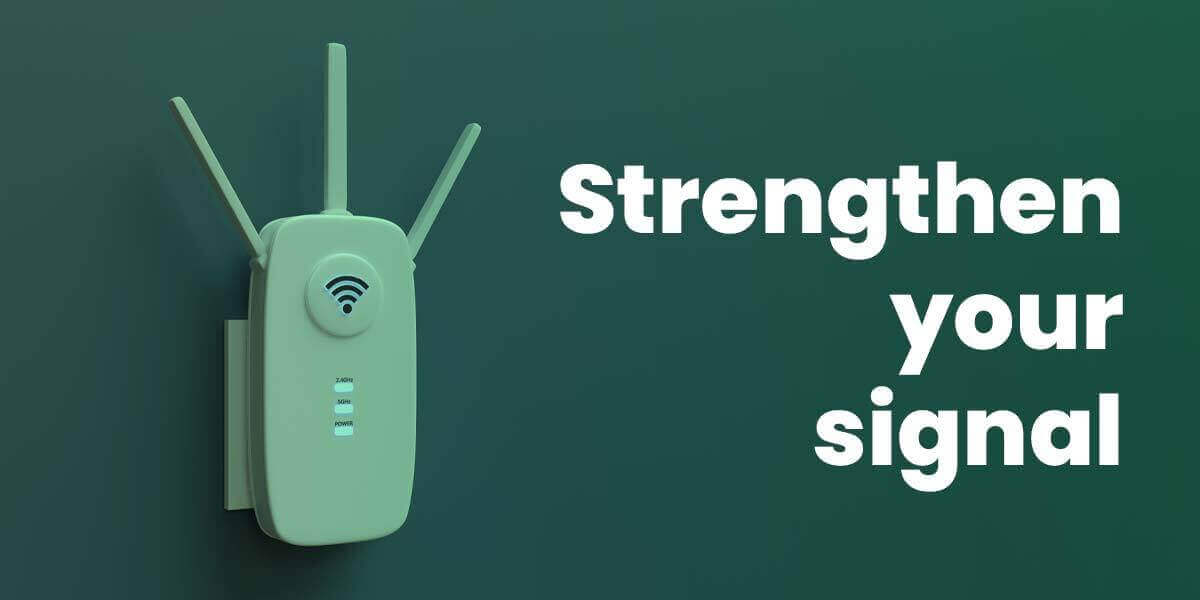
What is a Wi-Fi Extender?
“Wi-Fi extender” is also a misleading term, just because it’s so vague. Many articles online use the term “Wi-Fi extender” to mean “Wi-Fi repeater.” But for more clarity, we’re going to define our terms narrowly.
We’re going to use Wi-Fi extender only to describe devices that are NOT Wi-Fi repeaters.
A Wi-Fi extender is a device that connects to your existing router via ethernet cable and other wiring in your house. It captures the Wi-Fi signal and transmits it to other rooms. This expands your Wi-Fi coverage beyond what your router can reach on its own.
In other words, a Wi-Fi extender can extend your WI-Fi signal through a combination of ethernet cables, pre-existing home wires, and wireless signals.
Wi-Fi extenders plug into wall outlets. One popular type is a powerline extender, which uses your electrical wiring to transmit data. Another option is a MOCA extender, which transmits your modem/router’s signal through coaxial cable already in your walls.
A “powerline extender kit” uses ethernet cords and adapters to plug into your electrical system. Once it sends the data to a new room, it can either provide new ethernet ports for a direct plug-in, or it can power a wireless access point in the second room.
A MOCA kit works similarly, extending your signal through coaxial cables and then either an ethernet cable port from the adapter or a wireless access point.
In both cases, users report that plugging into the adapter’s ethernet ports tends to be more stable than using a second wireless access point. In other words, the extenders are best when they are mostly wired.
Is it “cheating” to call it a Wi-Fi extender if it’s really an alternative form of wiring? Maybe, but it works!
Pros of Wi-Fi Extenders
Expand Wi-Fi range into dead zones
Don’t necessarily require extra hardware like mesh points
Keep your existing router and settings
Cons of Wi-Fi Extenders
May still slow down your internet speed somewhat if you use wireless access points
Won’t eliminate congestion from too many devices
Require ethernet cables for optimal performance
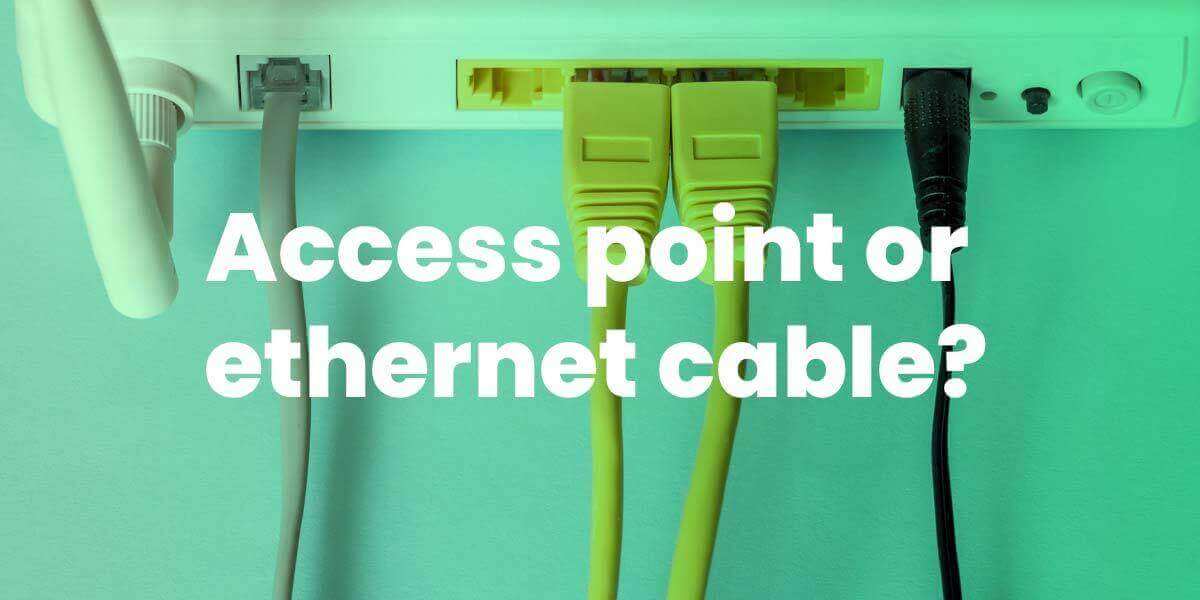
What is a Wi-Fi Repeater?
A Wi-Fi repeater is a wireless device that picks up your existing Wi-Fi signal and rebroadcasts it to expand coverage. Unlike Wi-Fi extenders, Wi-Fi repeaters connect wirelessly to your router instead of using ethernet cables.
Repeaters are convenient and remove the need for ethernet cables running around your house. The main problem is that a repeater will slow your internet speed with every “hop” that your signal must make through the air and away from the original wireless access point.
Pros of Wi-Fi Repeaters
Affordable and easy plug-and-play setup
Small size and portability
No cabling required
Cons of Wi-Fi Repeaters
Cut your bandwidth significantly, sometimes by 50%
Prone to congestion when too many devices connect
Can create network delays from multiple “hops”
What is Mesh Wi-Fi?
Mesh Wi-Fi uses multiple access points called nodes to blanket your whole home in strong, reliable Wi-Fi. Mesh nodes connect to each other wirelessly, creating a unified network.
Pros of Mesh Router Networks
Seamless coverage with no dead zones
Dedicated backhaul band can prevent congestion
Easy setup and management from one app
Cons of Mesh Router Networks
More expensive upfront cost
Multiple units required for full coverage
Wireless backhaul can affect speed
Key Differences Between the Wi-Fi Expansion Options
Now that we’ve covered the basics, let’s compare the key differences between a Wi-Fi extender, Wi-Fi repeater, and mesh Wi-Fi system.
Speed and Bandwidth Differences
Of the three, mesh Wi-Fi systems may deliver the fastest Wi-Fi speeds if your mesh nodes connect via ethernet for backhaul.
Powerline Wi-Fi extenders are faster than wireless repeaters since they don’t suffer from “hops," but still sometimes get congestion through electrical wires. MOCA kits get better reviews for less congestion. Extenders that rely only on ethernet cables will be faster than those that incorporate wireless access points, but access points give you wider coverage.
Wireless repeaters often cut your bandwidth in half, so you will sacrifice performance for the convenience of no ethernet cables. Repeaters often carry both fronthaul and backhaul on the same Wi-Fi band, which is why they are slower.
Number of Device Connections
Mesh networks handle multiple devices better by dividing connections between nodes. Extenders and repeaters are more prone to congestion. Mesh and extenders will have less congestion if they have either a dedicated backhaul band (using tri-band) or a wired backhaul.
Roaming and Congestion Differences
Mesh allows seamless device roaming between nodes, reducing congestion. Repeaters are most prone to congestion issues from “hops."
Cost Comparisons
Wi-Fi extenders are usually more affordable than mesh. Mesh system prices vary widely but start around $50 for a two-pack. Better mesh systems will be anywhere from $150 to $2000. Repeaters are cheapest, but you get what you pay for.
Which Wi-Fi Device is Right to Strengthen Your Wi-Fi Signal?
Now let’s see which option may suit your needs best.
Whole-Home Coverage Needs
For large homes, mesh networks are the best way to eliminate dead zones in every room. They’re the only option that blankets a whole home in strong, reliable Wi-Fi.
Budget-Conscious Shoppers
Those looking for the most affordable way to expand Wi-Fi range can try a Wi-Fi repeater. Just be aware of potential speed/congestion tradeoffs.
Evaluating Your Unique Situation
Consider your home layout, number of devices, and need for roaming when deciding which is best. Ethernet-connected extenders or mesh networks may be worth the investment over basic Wi-Fi repeaters.
Best Wi-Fi Upgrade Recommendations
Here are some solid picks if you need to upgrade your Wi-Fi to get better whole-home coverage. Please note that we are not affiliated with TP-Link. They just happen to make some of the best products on the market for strengthening and expanding your home Wi-Fi signal.
Best Wi-Fi Powerline Extender
TP-Link AV2000 – Achieves fastest speeds by leveraging ethernet backhaul, has 2 gigabit ports, costs under $100
Best Wi-Fi Repeater
TP-Link AX3000 –Critic’s choice, uses Wi-Fi 6 technology, has gigabit ethernet port
Best Mesh Wi-Fi System
TP-Link Deco XE75– Seamless roaming and easy setup via app. See our full review and specs.
Summary: How to Strengthen Your Home Wi-Fi Signal
Wi-Fi extenders such as powerline extenders or MOCA kits provide the fastest speeds, if you use only ethernet cable to connect devices to the adapters. They also may do best with getting through solid obstacles such as thick walls or floors.
Wi-Fi repeaters are most affordable but will slow your speeds the most.
Mesh networks deliver the best whole home coverage, which is important if you roam from room to room with your devices.
Choose based on your budget, your internet habits, and your Wi-Fi needs.
FAQs: Wi-Fi Extenders vs. Wi-Fi Repeaters vs. Mesh Wi-Fi
Let’s wrap up by answering some common questions about boosting Wi-Fi signals:
What is a Wi-Fi booster, anyway?
“Wi-Fi booster" is a vague, catch-all term that often causes confusion. Specific names like extender, repeater, and mesh better describe different Wi-Fi technologies.
Can I boost my original Wi-Fi signal from the ISP?
No. The only device for boosting an original internet signal is a cell phone booster, not designed for home Wi-Fi. If your ISP’s original signal is too weak, switching providers may be your answer.
What is a Wi-Fi bridge?
A Wi-Fi bridge makes a long-range connection from your router to a specific device, often a wireless access point to extend your network.
A Wi-Fi bridge is usually highly directional and broadcasts a focused signal, instead of broadcasting a signal 360 degrees the way a repeater will.
Often, a wireless bridge links a router in one building to devices in another building. So, for example, your workshop building within a mile of your home might use a bridge to connect to your main home router. College campuses might connect multiple buildings to one Wi-Fi network with wireless bridges.

Is a repeated Wi-Fi signal safe from hackers?
Yes, modern Wi-Fi repeaters use encryption to safely boost and retransmit your wireless signal, just like a router does. Your repeater does not make additional security compromises.
Does a Wi-Fi repeater reduce internet speed?
Wi-Fi repeaters often cut bandwidth in half because they can cause congestion and involve several wireless “hops” between devices. Other range-extending options such as mesh and powerline extenders fare better for speed, especially if you use their ethernet ports to connect stationary devices.
Why is my Wi-Fi slow or weak in some rooms?
You should check out all the common causes of poor W-Fi before you invest in more equipment.