












 Call
Call 


 Access Your Account
 Why Is My Internet So Slow?

Table of Contents
An occasional slow internet connection is not the end of the world. But what if your internet speed is always dragging way below where it should be?
And what if those slow speeds affect your devices around the house, like baby monitors and smart TVs? That’s when it’s worth looking into what might be causing your internet speed issues.
Fortunately, a slower-than-normal Internet connection is often pretty easy to fix. You can pinpoint problem areas and troubleshoot them so your laggy internet will be a thing of the past.
This guide will help you decipher all the possible reasons your connection speed is acting up. You’ll also get easy fixes to reboot and boost your internet connection. Don’t panic, your Wi-Fi speed won’t remain slow forever! Here’s how you can quickly improve your internet speed.
Common Reasons for Slow Internet Speed
When you’re trying to figure out what’s causing your internet to slow down, start with the basics. An internet connection depends on a modem, a router, and service from an internet provider.
Your router, your modem, or your provider’s service can be compromised by physical obstructions or network congestion. Then, the signal strength weakens and causes you to experience a slow internet connection.
But there are a number of other reasons why your internet can be slow. Here are a few common problems.
Peak Times Are Crowding Your Network
Internet traffic is very similar to a highway. It gets busier than normal during certain hours of the day, commonly referred to as “peak hours." Peak hours create high network traffic, which means there is less available bandwidth for you to stay connected at a decent speed.
The good news is that if your internet connection slows down during peak hours, it will go back to regular speeds once the bandwidth opens back up and internet traffic goes back to normal. There’s not much you can do in these instances except wait it out and hope you don’t have slow internet for too long.
If you think your slow connection speed might be more than just network traffic, check for outages in your area. The easiest way to do this is by going through the internet service provider app or website and checking if there are any outage alerts.
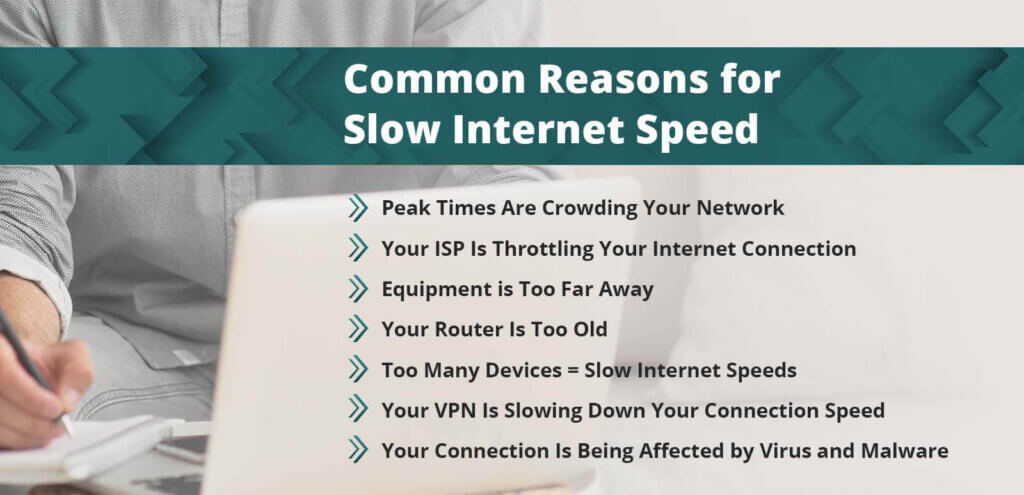
Equipment Is Too Far Away
Although you might not realize it, the distance between your connected devices and your internet equipment can negatively affect your internet speeds. When your router and modem are tucked away in some corner of your home, the Wi-Fi signal weakens as it travels from your router to your wireless devices.
Your router and modem are sensitive to obstructions along the way, like furniture around the house. A thick shelf full of books can hinder your Wi-Fi signal from traveling freely through the air.
The best way to test whether your router is too far away is to run a speed test with your device right next to the router, and one from far away. Depending on the results of each test, you may have an answer as to why your Wi-Fi speed is less than stellar.
Your Router Is Too Old
If your wireless router is more than five years old, it’s time to get a new one. Wireless devices evolve at a rapid pace, and their capabilities need to be compatible with your router for you to enjoy optimal connection speeds.
A router that is more than five years old is no longer able to support the signal strength necessary to provide you with fast wireless speeds. Outdated routers have weaker processing units that were built with slower speeds in mind.
Most newer routers have higher-quality processing units. They are able to handle multiple mobile devices to keep you connected through strong Wi-Fi channels.
Your ISP Is Throttling Your Internet Connection
Your internet service provider is in charge of providing you with the best and most reliable internet access. However, if you originally signed up for a low-cost plan with low bandwidth capabilities, your Internet service provider may be throttling your service after you use too much bandwidth.
Most families have more than one device connected at home. Many households need an internet package that can manage multiple smart home devices, along with enough monthly data to handle HD streaming and gaming.
How much data you use depends on everything you do online. If you exceed a data cap, your ISP may deliberately restrict your bandwidth and slow your internet without telling you.
By throttling your speed,, your internet service provider gains control over network traffic and reduces any congestion with the bandwidth. Slow internet isn’t always due to internet throttling, but it’s something you need to be aware of.
Most providers have apps now that allow you to see your data usage, especially if you have a data allowance. Check out your data usage.
Your VPN Is Slowing Down Your Connection Speed
Although Virtual Private Networks (VPNs) are great for privacy and ensuring you’re safe online, they can also slow down your internet. There’s a valid reason for this, though.
A VPN reroutes your connection through its own private network, instead of having it go directly from your Internet service provider to your final destination. The re-routing process is time-consuming and eats up processing power, which slows down your network. Some VPNs can make activities like streaming TV and gaming impossibly slow, which is very frustrating.
Too Many Devices = Slow Internet Speeds
It’s perfectly normal to have multiple connected devices at home. But the higher your device count, the more likely you are to experience a slow network. It’s a good idea to take stock of the number of devices that you have at home and run multiple speed tests so that you can figure out if the number of devices is making your internet slow.
Your Connection Is Infected by Viruses and Malware
A virus or malware on your device can slow everything down and cause you to have speed issues. A virus can easily seize your bandwidth and eat up all your device’s resources.
Experts advise having antivirus and malware protection programs installed so you can s run scans and see if anything suspicious pops up. If you don’t have any virus and malware protection installed, your device will be infected very quickly.
Best Ways to Fix a Slow Internet Connection
Now you’ve figured out what’s causing you to have network jams and a slow internet connection! It’s time to find a solution and add more speed to your internet.
Check Your Modem and Router
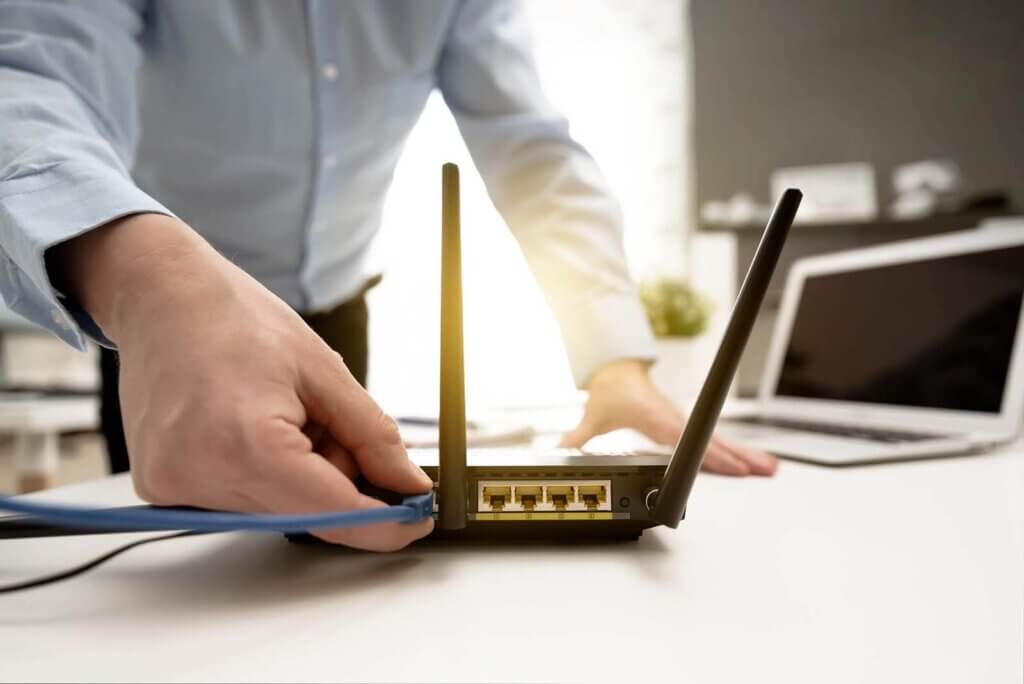
Think of this dynamic duo as the engine that drives your entire connection. Both modems and routers are sensitive to their position in your household and, if they’re outdated, replacing them with newer versions can sometimes aid in improving the speed of your wireless network.
Adjust Router Position
The position of your equipment can impact the speed of your Wi-Fi and the strength of the signal. Ideally, you’ll want to place your router and modem on a spot that’s off the floor and away from any and all obstructions. Anything that gets in its path will also get in the way of fast internet.
A central location is key for optimal coverage and speed. If you can find a place that’s near where you spend most of your time or the area in your home where most internet activity takes place, then that will be the best spot for your modem/router combo to stay.
Some common physical obstructions are:
- Brick or concrete walls
- Large metal appliances, like refrigerators
- Thick, heavy doors or windows
Check for Updates
If you haven’t updated software or firmware in a while, you need to. Modems and routers need to have the most updated software in order to be efficient. Installing the latest software update is a way of making sure that you’re free of bugs that prevent your router from running optimally.
Reboot Your Router
A quick reboot to your equipment can help return speed back to normal so that you can continue streaming your favorite shows without interruptions. A router can get bogged down after running continuously without a break. If you don’t want to worry about manually restarting or rebooting, most routers come with an option to schedule a weekly reboot to maintain connectivity and help improve speed.
Optimize Your Wi-Fi Setup
Better home Wi-Fi network coverage will suppoprt your fast internet connection from your provider. In fact, what you might be thinking of as “slow internet" could in fact be a weak Wi-Fi signal. If you’re using an entirely wireless connection, make sure you’ve got your set-up perfect.
Reduce Interference From Other Electronics
Believe it or not, devices in your home like microwaves, cordless phones, Bluetooth devices, wireless security systems, and garage doors can cause signal interference and cause your internet to slow down. An easy way to fix this is to make sure that your modem is using the right frequency, so that you can get a strong connection and maximize bandwidth.
Protect Your Wi-Fi Network with a Strong Password
Having a strong password means no one will be able to get into your network and cause issues with speed. It may be a drag to come up with a complicated password, but it will help keep our connection safe from hackers.
Opt for An Ethernet Cable Connection
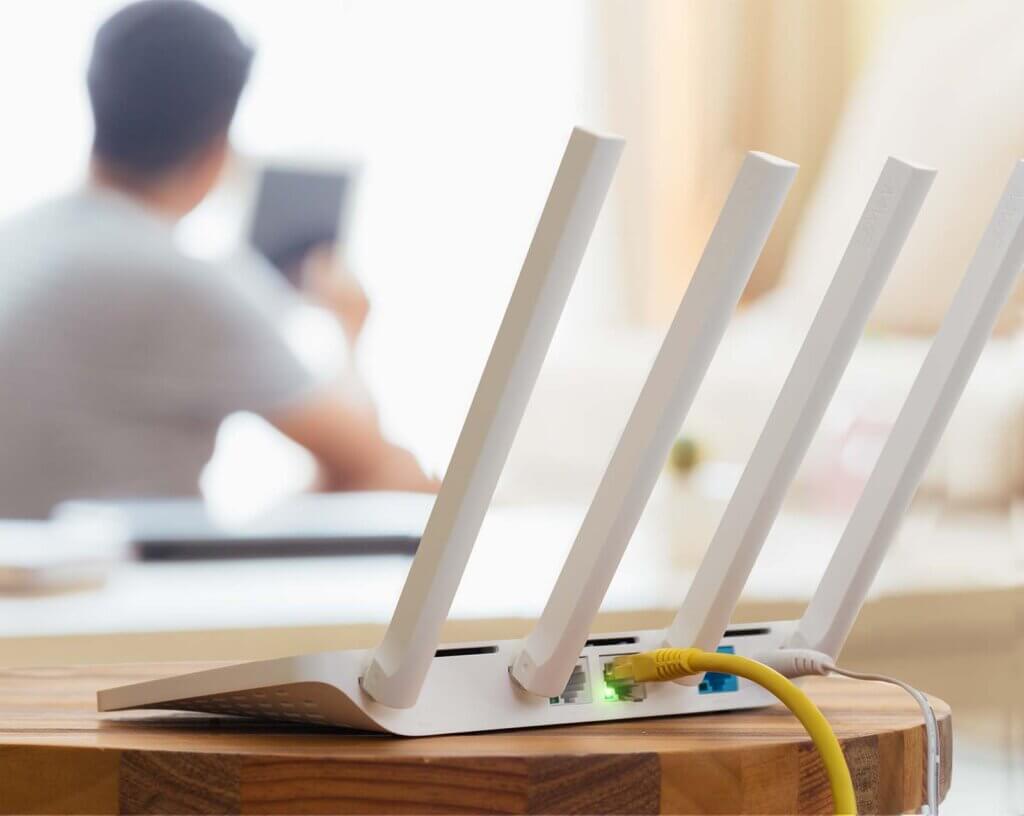
Ethernet ports are infinitely more reliable than wireless Wi-Fi. By connecting to your internet through an ethernet cord, you’ll bypass obstructions and eliminate slowdowns.
Connecting your computer directly to your modem through an ethernet cable allows your home devices to send and receive data almost instantaneously. Distance is not an issue and you’re likely to see fewer problems with speed than if you’re exclusively using a wireless Wi-Fi connection.
Limit Bandwidth-Hogging Apps
If you’re someone who often has too many apps open, you might want to try to limit their use to only the ones you truly need and depend on. Having too many browsers and apps open can slow down your internet more than you realize.
For example, file-syncing services like Google Drive, DropBox, or OneDrive are constantly moving and transferring data in the background. That data slows everything down and limits the speed that you need for activities like streaming.
Depending on what kind of operating system you have, your computer might also be downloading software updates. Updates are necessary for the overall health of your system, but can also hog your bandwidth and cause slow speeds.
Call Your Internet Provider
If nothing else works, and you continue to experience problems with draggy internet, then it’s worth a shot to give your ISP a call. Have them help you figure out what might be the source of the problem. Chances are they’ll be able to perform additional troubleshooting to fix the problem. They can also help you upgrade your internet plan to one that offers faster speeds.

Finding a Better High-Speed Internet Plan
If all else fails, it’s time to find a plan fast enough to accommodate all your internet needs.
A fast download speed was once defined as anything above 25 Mbps. But in 2024, we have lots of devices, and heavy-data online activities. You may need a faster internet connection. See what your ISP can offer, and consider upgrading to a plan with 100 Mbps download speed and 20 Mbps upload speed.
Take that Deep Breath
We’ve all had moment when we wanted to throw the router out the window. You can get through this!
Remember, most of the time, the fixes for slow internet are pretty simple. Go through this article and try one at a time. You’ll get great internet speed soon enough if you take it step by step.