












 Call
Call 


 Access Your Account
 What Is the Best Internet Provider for Gaming in My Area?

Table of Contents
A great online gaming experience depends on more than just having an internet connection; it’s also about Internet speed. If you’re in the middle of a grueling Fortnite session or battling it out in Call of Duty, the worst thing that could happen would be for the entire game to freeze right at the pinnacle.
Understanding the speed of your Internet is something that can enhance all online experiences, not just gaming. Learning about the varying Internet speeds and how they can affect the way you use the Internet at home can help you fortify the strength of your connection while you’re gaming.
If you’re specifically looking at how to get the best Internet provider for gaming in your area, these are the things you should consider:
- Internet speed and bandwidth – these will determine how quickly your connection can upload and download data.
- Latency – a delay between your actions and the in-game response.
- Connection to the router – do you use a wireless connection or are you physically connecting through an ethernet cable? An Ethernet connection can improve connectivity and stability.
- Wi-Fi connection – wireless connections are prone to interference, which affects gaming by making the connection unreliable and sometimes affecting speed.
- Background applications – if you’re engaged in a multiplayer online game, having other applications open on the computer can cause delays and issues with speed.
A pleasant gaming experience comprises all these factors in order for it to work harmoniously and seamlessly. When one of them falters, the experience deteriorates, and everything can become frustrating instead of enjoyable.
There are multiple tests you can perform to find out exactly how your Internet is performing when you’re gaming. The first aspect you’ll need to consider and understand is the speed of your Internet connection. Here’s everything you need to know.
[search_block]
What Is the Best Internet Speed for Online Gaming?
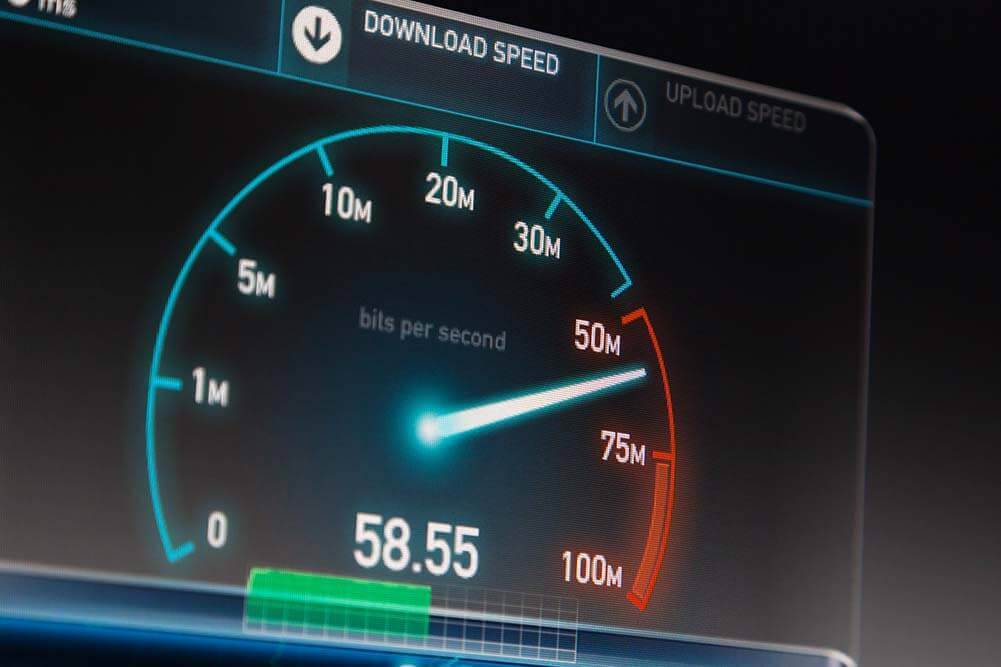
The speed of your Internet connection is especially important to consider when choosing the best Internet provider for gaming in your area because the results will directly affect whether you experience latency issues while gaming.
A good way to test where your connection speed stands is by running a speed test on your internet connection. This will allow you to get a better grasp of your Internet speed and approach any changes you may need to make in a more detailed way.
Online speed tests check how quickly your connection can download and upload data within a certain amount of time. This is one of the first things you’ll need to do to gauge exactly where your internet speed stands.
A speed test measures the transfer of data in Megabits per second (Mbps), a unit of measure that allows the computer to determine the speed of the data transfer. During a speed test, the software of the speed test will attempt to establish a connection with your computer or mobile device by sending it a ping and seeing how quickly it responds.
Once your device responds, then it will start measuring downloads and uploads with data to see how quickly the connection can complete the processes. The results will guide you as to what to do next.
The Importance of Download Speed and Upload Speed
In order for you to find the best Internet provider for gaming in your area, it’s important to understand why upload and download speeds are so essential during the gaming experience. For example, if you’re playing Call of Duty on your Xbox, the requirements for bandwidth will be lower because, unlike a computer, a console doesn’t have to stream anything directly from the Internet and into your screen.
The Federal Communications Commission advises users that in order to game online, you’ll need at least a 3Mbps download speed and 1-2Mbps to upload so that you’re not affected by any issues that could deter you from a good gaming experience. While there is truth to this statement, those kinds of speeds will not do much to reduce latency or compete with all the other devices that are connected at the same time while you’re trying to game online for half an hour.
The higher the Mbps, the better the connection will be. A higher Mbps count will help your computer or gaming console to download large amounts of data in a matter of minutes. To put it in perspective, while 3Mbps is the least amount of data you’ll need for gaming, if you were to download a two-hour movie with that kind of speed, it would easily take over five hours.
You also have to think about the fact that with a low Mbps, you will most definitely experience “lag” or latency (the more formal term to describe a delay in the display) during a multiplayer online game.
What Is a Good Internet Speed for Gaming?
You’ll want to look for a speed that’s over 50Mbps, especially if you’re playing a game with multiple people online. Anything lower than that will put you at risk of experiencing latency, slow downloads and uploads, and a lot of traffic online that will prevent you from maximizing your gaming experience.
How Do I Increase Internet Speed for Gaming in My Area?
There are a few things you can check in your connection to make sure that you are getting the best possible speed for gaming.
- Check Internet Speed and Bandwidth
The Internet speed will determine what kind of experience you have while you’re gaming online. Even if you have the best Internet provider for gaming in your area, if the Mbps are low, your experience will be poor.
Run a speed test and see where you stand. Take a minute to study the results and also factor in the number of people in your household and the devices connected to the Internet at the same time you’re planning on gaming. This can strain your bandwidth and slow down your game. - Move Closer to Your Router
When you experience latency issues during the game, sometimes it’s not just because your Internet speed is not up to par, but because of the distance between the router and your device.
A better way to explain this is to think about your router and computer as two people who are trying to find each other in a crowd. The more things there are in between them, the farther apart they are, and the harder it is to communicate and find each other.
It’s the same thing with the router, computer, or gaming console. The router needs a clear path, away from furniture and walls, so that it can transmit the best signal possible around the house. This also applies to consoles because they’re still largely dependent on their connection to the Internet, which means their proximity to the router also matters.
When you’re engaging online for stretches at a time, the farther you are from the router, the more difficult it will be for it to connect. Enhancing Wi-Fi signal and connectivity will largely depend on your proximity to the hardware. You’ll want to help your wireless signal travel the most direct route to your device. - Close Other Programs and Websites
While computers can do a lot of things at once, when it comes to gaming and limiting hiccups to enhance your experience, it’s best to close all background websites and programs while you’re playing online.
Sites like Netflix or YouTube will add to any latency issues you might have during the game because they affect your ping rate and reduce bandwidth capabilities. You’ll also need to pay attention to the devices connected to the Wi-Fi at the same time. The more devices connected and websites opened, the bigger the strain on your bandwidth.
Should I Buy or Rent Equipment for Gaming Online?
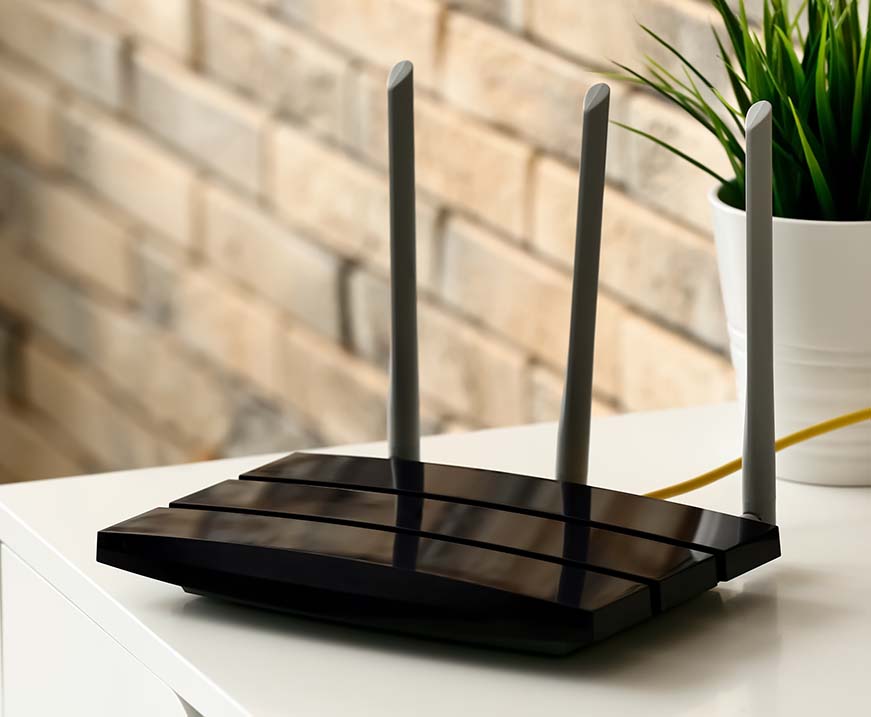
For you to connect to the Internet, you need the help of a modem, router, and the best Internet provider for gaming in your area. When you sign up for a new service with an internet provider, unless you already own a modem and router combo, the provider will give you the option of renting the equipment from them so that they can establish your Internet connection. Renting or owning any equipment has its upsides and downsides.
Benefits of Renting Equipment
- If you choose to rent, you will always have the guarantee of getting the most up-to-date equipment. This is important because, with newer equipment, your gaming experience will be smooth and less likely to be affected by connectivity issues.
- Tech support will always be available to help you whenever something is not working right. There’s no need to search online to fix something yourself if you don’t want to.
- Renting will allow you to stick to a budget because you will have a predictable monthly expense you can easily account for every month with no surprises. This can provide you with a little peace of mind knowing that, even if the equipment breaks, it won’t cost you extra.
The Downside to Renting Equipment
- In the long run, you’ll end up paying more than if you were to purchase the equipment that you need all at one time.
- Sometimes, depending on who you are leasing the equipment from or on the terms of the lease, you’ll have to continue making payments for the rental even when you no longer need it. It’s not uncommon to see leasing terms that will tie the customer to payments until the lease is over.
Benefits of Owning Equipment
- Owning your equipment is straightforward—simply decide what you want and you can buy it the same day. There’s also less paperwork because you are not really liable for anything since it’s your own equipment. There are no contracts or leasing terms involved in the transaction.
- When you own your equipment, you can also deduct the costs of the equipment from your taxes for the first year. Yes, your equipment is a deductible. There’s also a deduction for leased equipment, but it’s only for the monthly cost.
The Downside to Owning Equipment
- The most obvious downside to owning equipment is the lack of tech support. If the equipment ever breaks down, you won’t be able to call your internet service provider for help and instead will have to rely on a third-party service (or your own skills) to fix the problem.
- The initial cost of equipment might be overwhelming at first. It won’t cost as much as buying a car, for example, but it will cost more than a rental would when you initially sign up for a lease.
The Best Internet Provider for Gaming
It’s difficult to pinpoint a single internet provider that meets all the requirements for the best gaming experience. Depending on where you live, not every type of internet connection might be available, which means you’ll probably have to compromise on some of the qualities you’re looking for.
Your best bet is to focus on the aspects of the Internet connection that can make or break your time online, such as speed, reliability, and affordability. For example, when you’re looking for the best internet provider for gaming, it’s important to be on the lookout for exactly who can provide you with optimal upload and download speeds–fiber is a great option if available in your area because it offers symmetrical upload and download speeds.
The best Internet provider for gaming in your area will largely depend on exactly what’s available wherever you live. But by keeping in mind all the things that make an online gaming experience perfect, you can narrow down exactly which internet service will work best for your Internet needs. Enter your zip code below to explore available internet providers near you.
[search_block]