












 Call
Call 


 Access Your Account
 Password Management Tips
Table of Contents
Forgotten passwords keep you out of your accounts. Data breaches expose your personal info. Hackers sneaking into your home WiFi. In today’s connected world, weak password security isn’t just annoying—it’s an open door for cybercriminals. Managing strong passwords might feel like a hassle, but protecting your digital life doesn’t have to be complicated. With these password management tips, you can secure your home network and online accounts without adding extra stress to your day.
Creating Strong Passwords That Actually Work
Digital security starts with strong passwords. All too often, people stick to easy-to-guess options like “Password123" or their pet’s name and birth year—making their accounts vulnerable to hackers.
The best way to protect yourself? Go big on password length. Experts now recommend at least 16 characters (way more than the outdated 8-character minimum some sites still allow) [1]. Why? Every extra character makes it exponentially harder for hackers to crack your password with brute force.
Here’s how to create secure passwords that are still easy to remember:
- Use phrases or sentences instead of single words
- Mix in random words, numbers, and symbols
- Swap letters for similar-looking numbers or symbols
- Add unique characters between words
For instance, turn “I love my morning coffee" into something like “iLuv*morning*COFFEE*2025!" It’s long, complex, and memorable.
Smart WiFi Password Management
Secure yourself right away
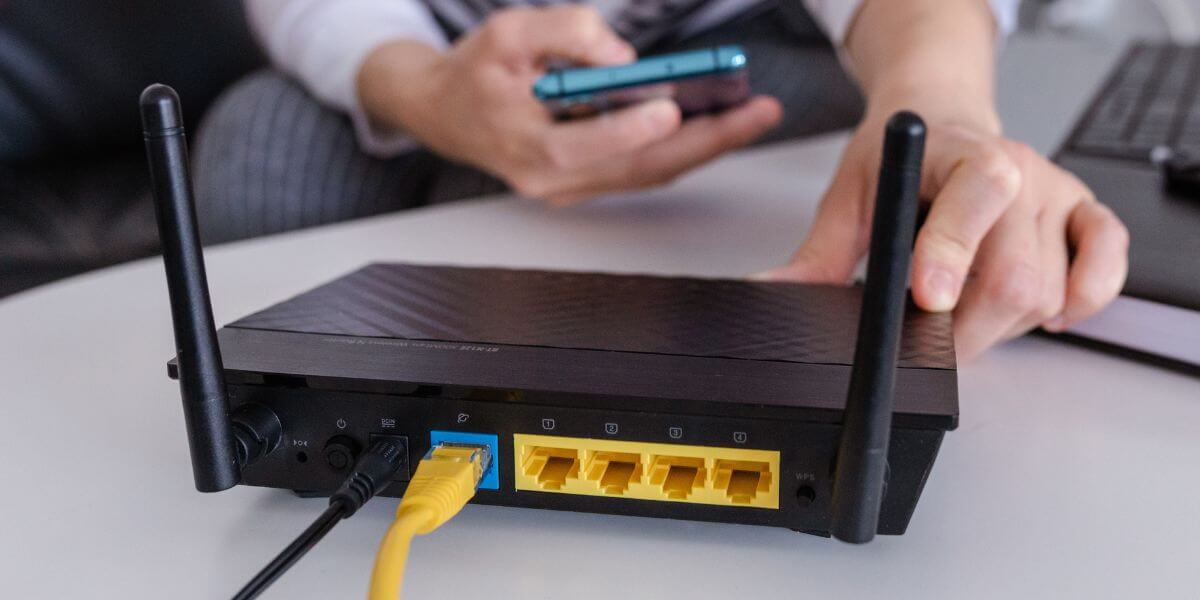
Your home network is only as secure as your WiFi settings. With households now connecting dozens of devices—like phones, laptops, smart TVs, gaming consoles, thermostats, security cameras, and even appliances—keeping your WiFi safe is more important than ever. Cyber threats are on the rise, and an unsecured network can give hackers access to sensitive personal info like bank details, passwords, and private files through your connected devices.
When setting up your WiFi password, there are some common pitfalls to avoid [2]. For starters, don’t use personal info like your address, phone number, or a family member’s name. Leaving the factory-default password that came with your router is another big mistake, as is using something easy to guess like “12345678" or “password." And reusing a password you already use for other accounts? Not a good idea. While these shortcuts might seem convenient, they leave your network open to intruders who could exploit it or steal your data.
To keep your network safe, log into your router and create a unique, strong password just for your WiFi. A good password mixes uppercase and lowercase letters, numbers, and special characters, and it should be long enough to make guessing nearly impossible. Skip dictionary words or common phrases. It’s also a good idea to update your password every few months, especially if you’ve been sharing it with guests or notice anything suspicious on your network, like unfamiliar devices popping up.
For an extra layer of protection, consider setting up a separate guest network with its own password for visitors, contractors, or temporary users. This way, you don’t have to share your main password and your primary devices—like your laptop, phone, or security cameras—stay isolated from potential threats. Most modern routers make guest networks easy to set up, and it gives you better control over who can access your main network. Taking these precautions will help keep your home network secure and your devices safe from outside threats.
Advanced Password Security Strategies
Utilize Multi-Factor Authentication
Strong passwords are a great starting point for digital security, but with the way online threats are evolving, they’re simply not enough anymore. Hackers are getting smarter, and relying on passwords alone puts your information at risk. That’s where Multi-Factor Authentication (MFA) comes in [3]. MFA adds an extra layer of protection by requiring something you know (your password) and something you have (like a code sent to your phone or a physical security key). Even if your password gets stolen, this extra step makes it much harder for anyone else to access your accounts.
Password managers are another game-changer for staying secure online. They’re like a personal vault for all your logins, making it way easier to stay protected without the headache of remembering every single password. Here’s how they help:
- Create strong, unique passwords for all your accounts, so no two are the same.
- Store and encrypt your passwords securely, so they stay safe even if your device is hacked.
- Autofill login details across devices, saving you time and effort.
- Warn you if an account may have been compromised so you can take action fast.
- Sync across your devices, so you always have access, no matter where you log in.
Services like LastPass [4] and Bitwarden offer free plans that include essentials like password generation, secure storage, and syncing across a limited number of devices. For those who want more features, premium plans are available with perks like secure password sharing, dark web monitoring, and family plans for multiple users.
Sure, adding another tool to your digital life might sound like a hassle, but the benefits of using a password manager far outweigh the risks of weak or reused passwords. Even the free versions provide a huge boost in security and convenience, making it easier to navigate the online world confidently and stress-free.
Protecting Your Digital Identity
Don’t be a digital victim
Social engineering and phishing scams are getting smarter every day. Cybercriminals are using public info combined with psychological tricks to get into your accounts [5]. Keeping your passwords safe means staying mindful of where and how you use them.
Here’s where you should never share your passwords:
- Emails
- Text messages
- Social media
- Unsecured websites
- Public WiFi
Turn on security alerts for your key accounts, like email and financial services. These alerts can quickly flag unusual login attempts or security issues before they turn into bigger problems.
Password Recovery and Backup Strategies
Staying secure
Even with the best password habits, losing access to important accounts can still happen. To avoid getting locked out, it’s a good idea to set up secure recovery options. Use trusted recovery email addresses, store recovery codes safely, enable trusted device recovery when you can, and keep a record of your recovery process somewhere secure. These steps make sure you can get back into your accounts even if your primary login method fails.
For business accounts or shared services, set up a regular password rotation schedule and keep detailed access logs. This helps you stay on top of who has access to what and when passwords were last updated. Regularly checking access logs can spot potential security problems early and ensure everyone with shared account access stays accountable.
Making Your Final Decision
Strong password security doesn’t happen overnight, but here’s where to start:
- Check your current passwords for weaknesses
- Use a password manager
- Turn on multi-factor authentication wherever you can
- Set up a regular schedule to update passwords
- Keep a plan handy for password recovery
A solid, stable connection is key to making sure your password manager, authentication apps, and security tools run smoothly when you need them most. Want to lock down your digital life with fast, reliable internet? CompareInternet has you covered. Check out our provider reviews and find the best plan for your budget today.
Sources
[1] Bitwarden. “How long should a password be?"
[2] Auvik. “8 Wi-Fi Mistakes Everyone Makes."
[3] OneLogin. “What is Multi-Factor Authentication (MFA) and How Does it Work?"
[4] LastPass. “LastPass Home Page."
[5] Essential Network Technologies. “Trick or Treat: How Hackers Use Social Engineering to Gain Access."