












 Call
Call 


 Access Your Account
 Shocking Ways Multiple Devices Destroy Internet Speed

Table of Contents
“Mom! Tell Austin to stop downloading his Xbox game updates—my online class’ Zoom is freezing again!" Sarah’s voice rings through the house, a familiar battle cry in the modern family home. Meanwhile, your smart TV buffers through your favorite show, the robot vacuum sits motionless because it lost connection, and your spouse’s urgent work presentation has turned them into a pixelated, frozen version of themselves.
Welcome to the daily digital traffic jam from multiple devices happening in homes everywhere. With tablets streaming cartoons, security cameras keeping watch, smart speakers standing ready to tell the next dad joke, and even refrigerators demanding their slice of internet bandwidth – your home’s WiFi network is hosting a party that everyone’s invited to, whether you like it or not.
Remember the days when fighting over the TV remote was your biggest technology squabble? Now it’s all about who’s hogging the bandwidth. But before you consider going back to carrier pigeons for communication, let’s explore what’s really happening when all your devices compete for internet attention and, more importantly, how to keep the digital peace in your ultra-connected household.
Understanding How WiFi Networks Handle Multiple Devices
Think of your internet connection as a highway. The more cars (devices) on the road, the slower traffic moves. Your router acts like a traffic controller, managing data flowing to and from each connected device. While most modern routers can technically handle up to 250 devices, that doesn’t mean they should. Each new device connecting to your network claims a slice of your total bandwidth pie.
When you stream a movie, join a video call, or download files, you use part of your internet connection’s capacity. If you add more devices doing the same things, everyone gets a smaller piece of that pie. This bandwidth-sharing explains why your video calls might become pixelated when someone else starts downloading large files or why websites take longer to load during peak usage times.
The silent devices in your home
The Hidden World of Connected Devices
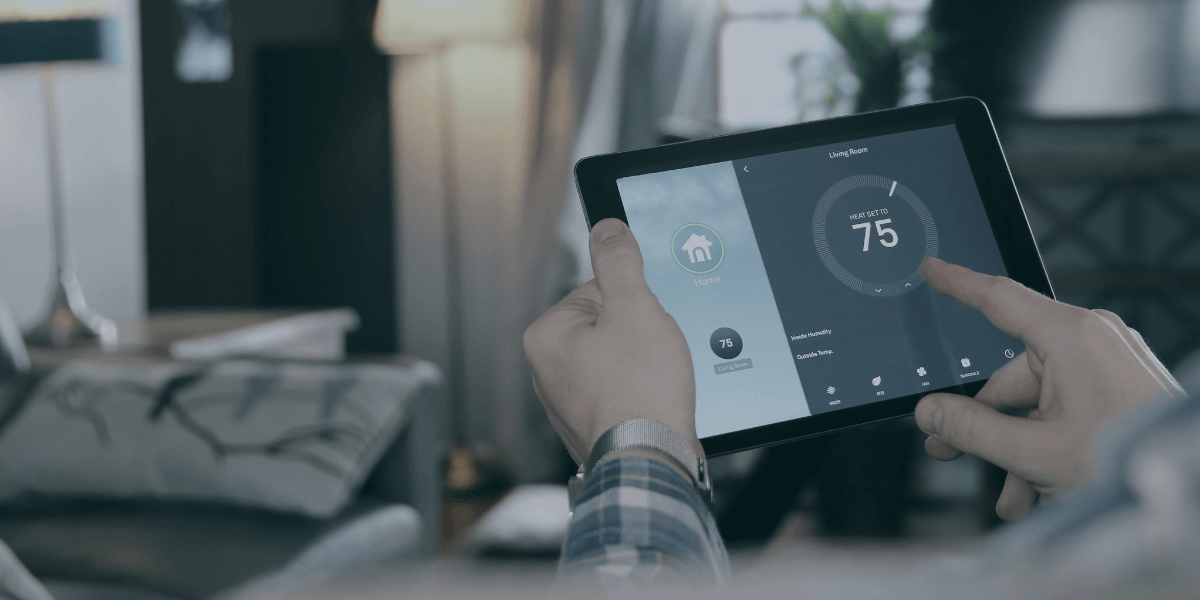
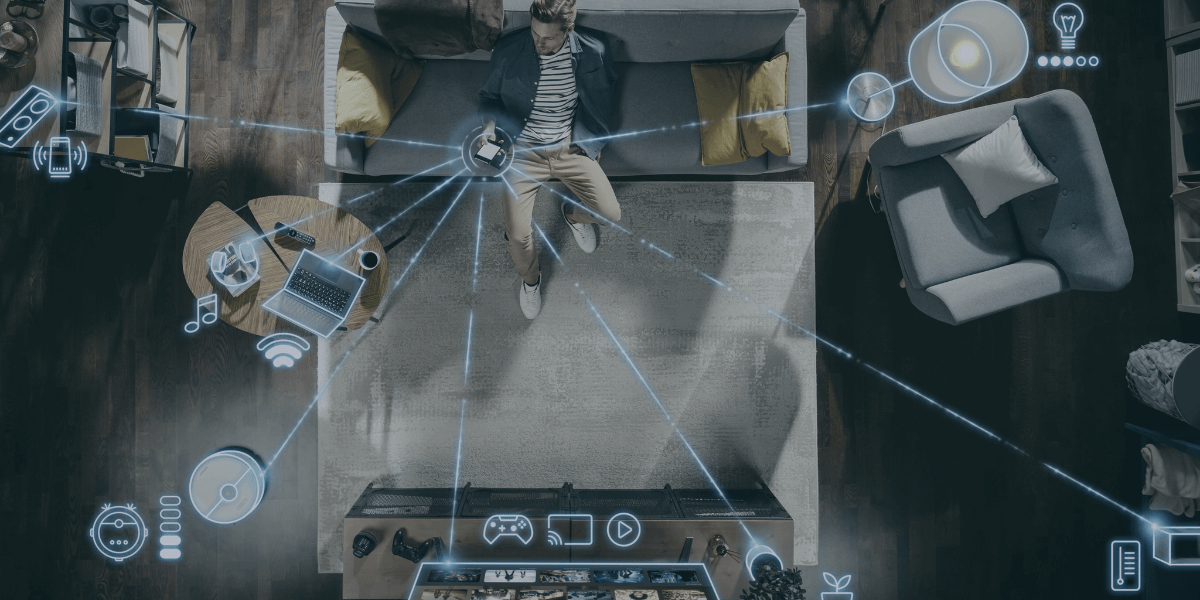
Many people underestimate just how many devices connect to their network. Beyond the obvious computers and phones, modern homes often include many smart devices quietly consuming bandwidth. Security cameras stream video around the clock. Smart thermostats regularly update temperature data. Voice assistants stand ready to answer questions. Smart TVs buffer content even when you’re not watching. Gaming consoles download updates in the background.
Even seemingly simple smart home devices like light bulbs and door locks regularly communicate with the internet. While each device might use only a tiny amount of bandwidth, the cumulative effect can significantly impact your network’s performance.
The Impact of Different Online Activities
Not all internet usage affects your network the same way. Video streaming in 4K resolution demands massive bandwidth—typically 25 Mbps or more per stream. While less demanding, video calls still require a consistent 1-4 Mbps to maintain quality. Online gaming might not use as much bandwidth as streaming, but it requires a stable, low-latency connection to prevent lag.
By contrast, basic web browsing, email, and messaging use relatively little bandwidth. However, modern websites often auto-play videos or load heavy media content, increasing bandwidth consumption. Social media apps, particularly those that auto-play videos, can quietly eat away at your available bandwidth.

Aging technology anchors
When Hardware Holds You Back
Your internet speed isn’t just about how many devices connect—the age and quality of those devices matter tremendously. That old laptop or smartphone might act like an anchor, dragging down your entire network’s performance. Older devices often use outdated WiFi standards, forcing your router to slow down to accommodate them. Even if you’ve upgraded to a blazing-fast fiber connection, a device using the old standards can create a bottleneck for everyone.
The same principle applies to routers. An aging router might struggle with modern demands, regardless of your internet plan’s speed. Signs you need a router upgrade include frequent disconnections, slow response times, or an inability to maintain stable connections in previously reliable locations. If your devices are compatible, look for a new router that supports Wi-Fi 6 (802.11ax). Even with older devices, a newer router often performs better through improved processors and memory.
Optimizing Your Network Performance
Improving your network’s handling of multiple devices starts with router placement. Your router’s location dramatically affects its performance. Placing it in a central, elevated position helps distribute the signal evenly throughout your home. Walls, especially those containing metal or concrete, can significantly weaken WiFi signals, so consider these obstacles when positioning your router.
Outdated equipment often contributes to poor network performance. If your router is over three or four years old, upgrading to a newer model could significantly improve your network’s ability to handle multiple devices. Modern routers offer features like dual-band or tri-band broadcasting, allowing them to manage network traffic across different frequencies better [1].
Get full coverage with mesh
Smart Solutions for Better Connection
Mesh network systems offer an elegant solution for homes struggling with multiple devices. Unlike traditional WiFi extenders, mesh systems create a seamless network throughout your home, automatically routing devices to the strongest connection. This technology proves particularly effective in larger homes or those with challenging layouts.
Wired connections still outperform wireless ones in most situations. Connecting stationary devices like desktop computers, smart TVs, and gaming consoles directly to your router via ethernet cables can significantly reduce the load on your wireless network. This strategy leaves more wireless bandwidth available for devices that truly need mobility.
Protecting Your Speed Through Security
Network security and speed are surprisingly interconnected. Malware and viruses running in the background can severely impact your internet performance by consuming bandwidth without your knowledge [2]. These unwanted programs might be uploading your data, downloading additional malicious content, or using your network for other nefarious purposes.
Regular security maintenance helps maintain optimal speeds. Keep your router’s firmware updated to patch security vulnerabilities and improve performance. Change default passwords on all network equipment and enable WPA3 encryption if available [3]. Monitor your network for unfamiliar devices that might steal bandwidth—many modern routers include apps that make this easy.

Get QoS settings to prioritize devices
Managing Network Traffic Effectively
Modern routers include sophisticated tools for managing network traffic. Quality of Service (QoS) settings allow you to prioritize certain devices or activities. For instance, you might ensure your work computer gets priority during office hours while gaming devices take precedence in the evening. Some routers automatically detect and prioritize different types of traffic, ensuring video calls remain stable even when others are streaming movies.
Creating separate networks for different purposes can also improve performance. Many routers support guest networks, which keep visitors’ devices separate from your main network. You might also create a dedicated network for smart home devices, preventing them from interfering with more critical activities like work or school.
Troubleshooting Slow Connections
When your internet speeds slow to a crawl, take a systematic approach to identifying the cause. Start by testing speeds on different devices. If only one device experiences problems, the issue likely lies with that device. Check its WiFi adapter settings, update its drivers, and scan for malware.
If all devices slow down, the problem might be network-wide. Reboot your router and modem—this simple step often resolves temporary issues by clearing cached data and refreshing connections. Check for interference from nearby electronics, especially other WiFi networks, cordless phones, or microwave ovens. Sometimes, switching your router to a less congested WiFi channel improves performance dramatically.
Distance from your router significantly impacts speed. Walls, floors, and large metal objects can weaken signals. If certain areas of your home consistently experience slow speeds, consider adding a mesh network node or WiFi extender to boost coverage. However, be aware that WiFi extenders can sometimes create their own performance issues by adding network overhead.

Next-gen networks are coming
Moving Towards WiFi 6
As we connect multiple devices to our networks, technology continues evolving to meet the challenge. The new WiFi 6 standard addresses the challenges of managing many connected devices, offering improved performance in device-dense environments [4]. Future standards promise even better handling of multiple devices, faster speeds, and more intelligent traffic management.
Find Out Your Real Internet Speed
Don’t just guess your network’s performance—knowing your internet speed helps you make informed decisions about your service. A speed test shows three key numbers: download speed (how fast you can receive data), upload speed (how fast you can send data), and latency (how quickly your connection responds).
Run your test at different times of day for the most accurate results, especially when you experience slowdowns. A speed test in the early morning might show blazing-fast speeds, while the same test during evening Netflix hours could tell a very different story.
Compare your results to what your internet service provider promises in your plan. If you consistently see speeds well below what you’re paying for, it’s time to contact your provider or explore other options.
Find the Best Internet Plans in Your Area
Not all locations have access to the same internet providers or technologies. The good news is that finding available plans in your area takes just a few minutes—simply enter your zip code here to find the best providers and plans!
Start by gathering quotes from multiple providers serving your neighborhood. Pay attention to more than just the advertised speed and price. Consider data caps, contract requirements, equipment fees, and peak-hour speeds. Some providers offer promotional rates that increase substantially after the first year, so read the fine print carefully.
When comparing plans, consider your household’s actual needs. A family of five streaming 4K content and playing online games needs far more bandwidth than a couple who mainly checks email and social media. Don’t automatically choose the fastest plan—select one that matches your usage patterns and budget.
Remember that advertised “up to" speeds represent ideal conditions. Ask providers about peak-hour speeds and whether they implement data caps or throttling. Some providers also offer custom home solutions with many connected devices, like dedicated business-class services or special packages for gamers and remote workers.
Sources
[1] Electronicshub.org. “Dual-Band Vs Tri-Band – Find The Difference?"
[2] Zenduit.com. “5 Reasons Why Your Internet Connection Speed is Slow".
[3] Uml.edu. “Updating WiFi Security Settings for Home WiFi Networks"
[4] https://www.wi-fi.org/discover-wi-fi/wi-fi-certified-6