Call
Call 


 Access Your Account
 Bad Ethernet Cable Symptoms

Table of Contents
When your home internet is acting up, the problem may be a bad Ethernet cable. Ethernet cables connect your router to your devices to transmit data across your network. But like any hardware, Ethernet cables can wear out over time. When one goes bad, it can wreak havoc on your connectivity.
In this post, you can learn what Ethernet cables do, common ways they fail, and how to recognize if yours needs replacing. You’ll also get some troubleshooting tips to help identify Ethernet cable issues when your network is on the fritz.
What Exactly Do Ethernet Cables Do?
Ethernet cables have a pretty straightforward job – shuttling data between devices. They form physical connections in a local area network (LAN), linking together computers, smart TVs, game systems, printers and more to your router.
This wired connection provides faster and more reliable data transmission compared to Wi-Fi networks. Ethernet cables contain twisted pairs of copper wiring to carry signals. Though limited to around 30 meters in length, they offer top-notch speeds at short distances. Still, a majority of homes use Wi-Fi connections, especially for mobile devices. But even then, you’ll usually have at least one Ethernet cord that hooks your modem to your Wi-Fi router.
For stationary devices in your home office or entertainment center, Ethernet cables are the way to go. They help ensure lag-free video calls, uninterrupted streaming, and smooth online gaming.
Common Causes of Ethernet Cable Failure
Ethernet cables are built to last. But there are a few common issues that can degrade their performance over time:
Physical Damage: Cables bent at sharp angles or pinched under furniture can damage the internal wiring. Pets chewing on cables are also bad news for your connection! This physical damage reduces signal strength.
Wear and Tear: Daily use over months and years slowly degrades the copper wiring. The plastic insulation around cables also becomes brittle with age. Performance worsens gradually as cables break down.
Installation Issues: Improperly crimped cables or connecting to the wrong ports prevents proper signal transmission. Excess strain when installing cables can also damage them.
While it’s rare for brand new Ethernet cables to be defective out of the box, it does occasionally happen. More often, gradual wear leads to sluggish network speeds and frequent dropped connections.

How to Spot Symptoms of a Bad Ethernet Cable
When an Ethernet cable starts failing, you’ll notice connectivity issues popping up more and more frequently:
Slow Speeds
Degraded internal wiring means data can’t transmit at optimal high speeds anymore. Buffering, lag, and slower downloads point to a bad cable.
Intermittent Connection
An unstable Ethernet connection that randomly drops devices from the network is very likely caused by a faulty cable.
Packet Loss
Data travels through Ethernet cables in small bundles called packets. Damage leads to incomplete data packets. This manifests as streaming glitches, choppy calls, and lag spikes during online gaming or video conferences.
Undetected Devices
On some occasions, severely damaged cables fail outright. Your device may no longer recognize the physical connection at all.
Of course, networking problems aren’t 100% attributable to Ethernet cables. But if you notice degraded performance mainly in wired devices, a bad cable is the most likely culprit.

Troubleshooting Tips for Isolating Ethernet Cable Issues
Before replacing a potentially faulty Ethernet cable, it helps to run through some quick troubleshooting steps:
Inspect Cable at Both Ends
Visually check that the connectors are not damaged and the ports are clear of debris. Look for any cable crimping issues, damaged clips, bent pins, or frayed wires.
Substitute a Working Cable
Swap in a spare Ethernet cable that you know is functional. See if speeds improve across your network. This helps confirm it’s the cable and not other factors.
Run Diagnostics
Check the system settings on your computer or gaming console for a network diagnostic tool. Run a test to identify any issues with the Ethernet port and cable specifically.
Consider Electromagnetic Interference
Make sure the Ethernet cable isn’t running alongside power cords or electrical equipment which could cause electromagnetic interference.
If speeds and connectivity strengthen after replacing the suspect Ethernet cable, you’ve found the issue!
Replacing a Bad Ethernet Cable
A damaged Ethernet cable that is causing network issues needs to be replaced. Here are a few quick tips for selecting a new one:
- For good home internet performance, opt for Cat5e or Cat6 cables capable of gigabit speeds. Cat7 and Cat8 are overkill for most home uses.
- Pick the right length to avoid excess cable. Longer than necessary equals more points of failure.
- Consider shielded cables if running near power sources to minimize interference.
- Buy thick, high-quality cables from reputable brands. The small extra cost is worth it for durability.
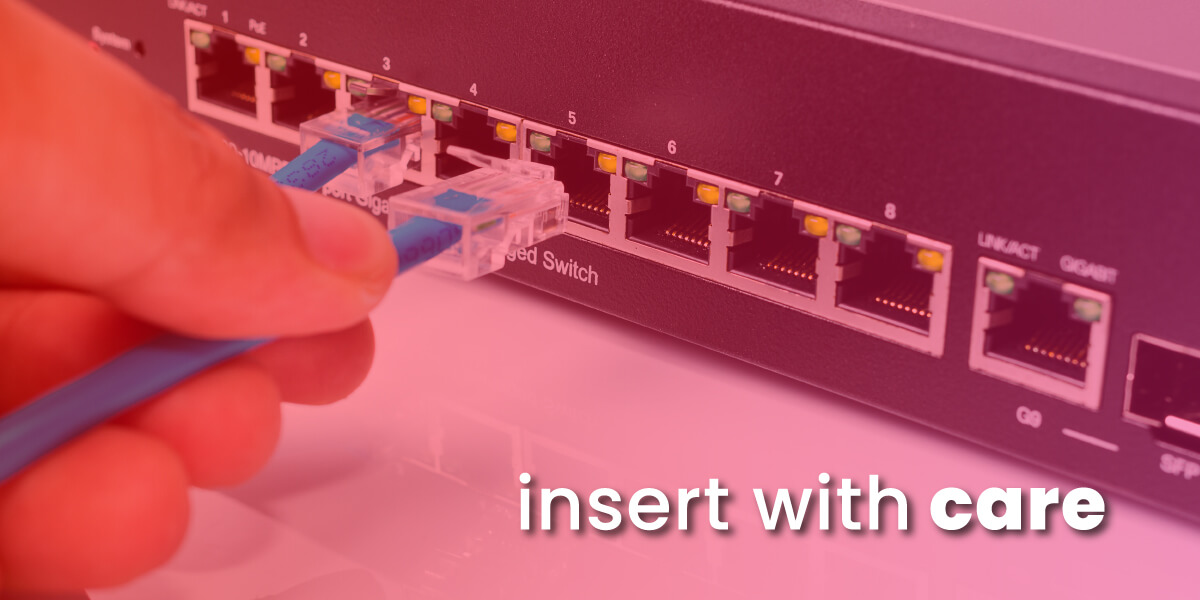
- Properly insert cables into the correct cable ports and avoid bending or straining them at extreme angles.
Following Ethernet cable best practices will help the replacements last longer. But cables do degrade over time. Revisiting this troubleshooting guide if your speeds slow to a crawl will get your network running smoothly again in no time.
FAQs
What’s the maximum length for an Ethernet cable?
For optimal performance, home Ethernet cables in Cat5e, 6 and 6a should not exceed a maximum length of 100 meters (328 feet). Cat8 cables cannot exceed 30 meters (100 feet). Longer cables can lead to signal degradation.
What Ethernet cable speed should I use?
Cat5e and Cat6 Ethernet cables can transmit data at 1 gigabit per second and are ideal for most home and office networks. Cat8 cables offer faster multi-gigabit speeds for high bandwidth applications.
Can I splice a broken Ethernet cable?
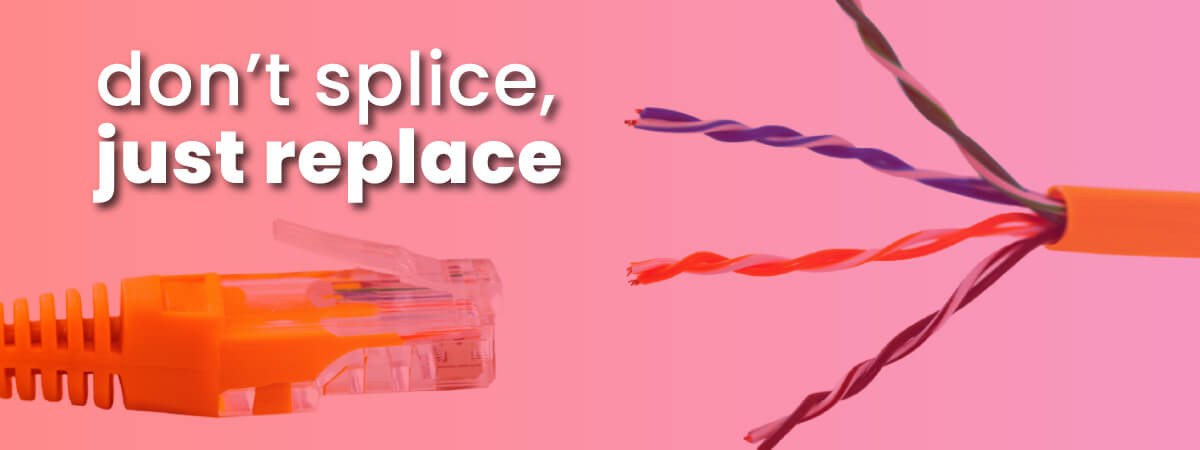
It’s not recommended. The complex internal wiring is very difficult to splice reliably. It’s best to replace the entire Ethernet cable end-to-end.
Why is my Ethernet connection slower than my Wi-Fi?
If your Ethernet connection is running slower than Wi-Fi, the most likely culprit is a damaged Ethernet cable. A defective cable can bottleneck the speed. Try replacing the Ethernet cable to restore full wired network performance.
How do I connect my smart TV if I don’t have Ethernet ports?
If your smart TV lacks Ethernet ports, you can use Ethernet over Powerline adapters to create a wired connection through your electrical outlets. You can also connect wirelessly to your Wi-Fi network for smart TV functionality.
What if my Ethernet cable is not the problem with my internet service?
Check out our guide to other potential reasons why your internet is slow.